pirate4x4lance
Well-known member
- Thread starter
- #1
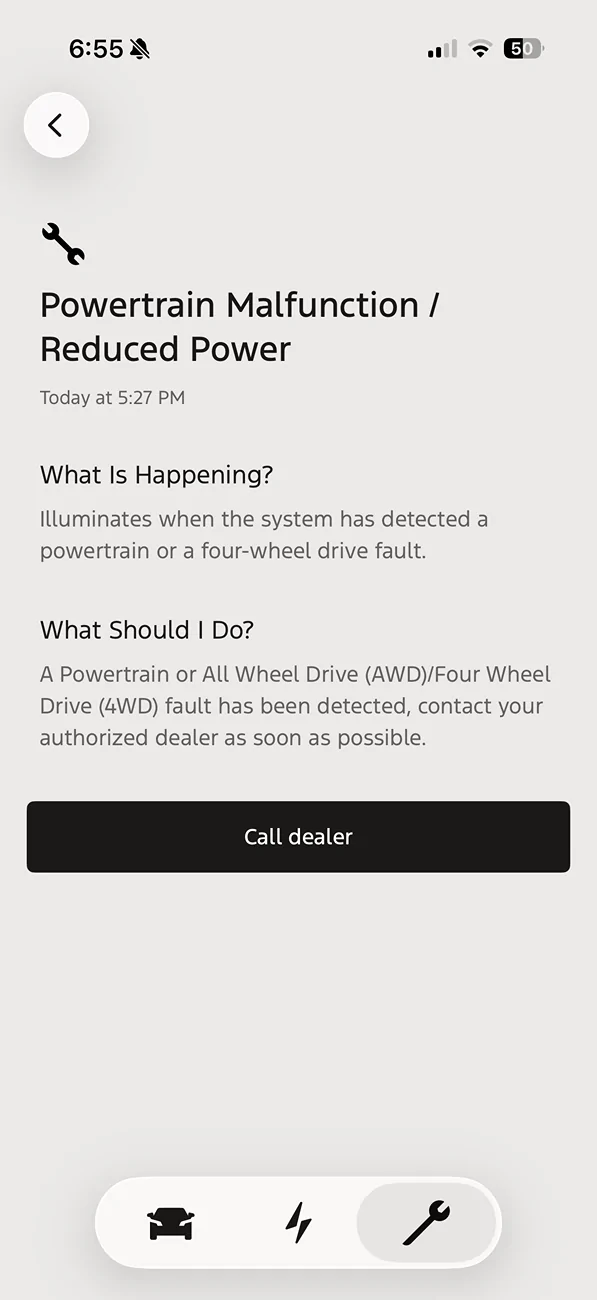
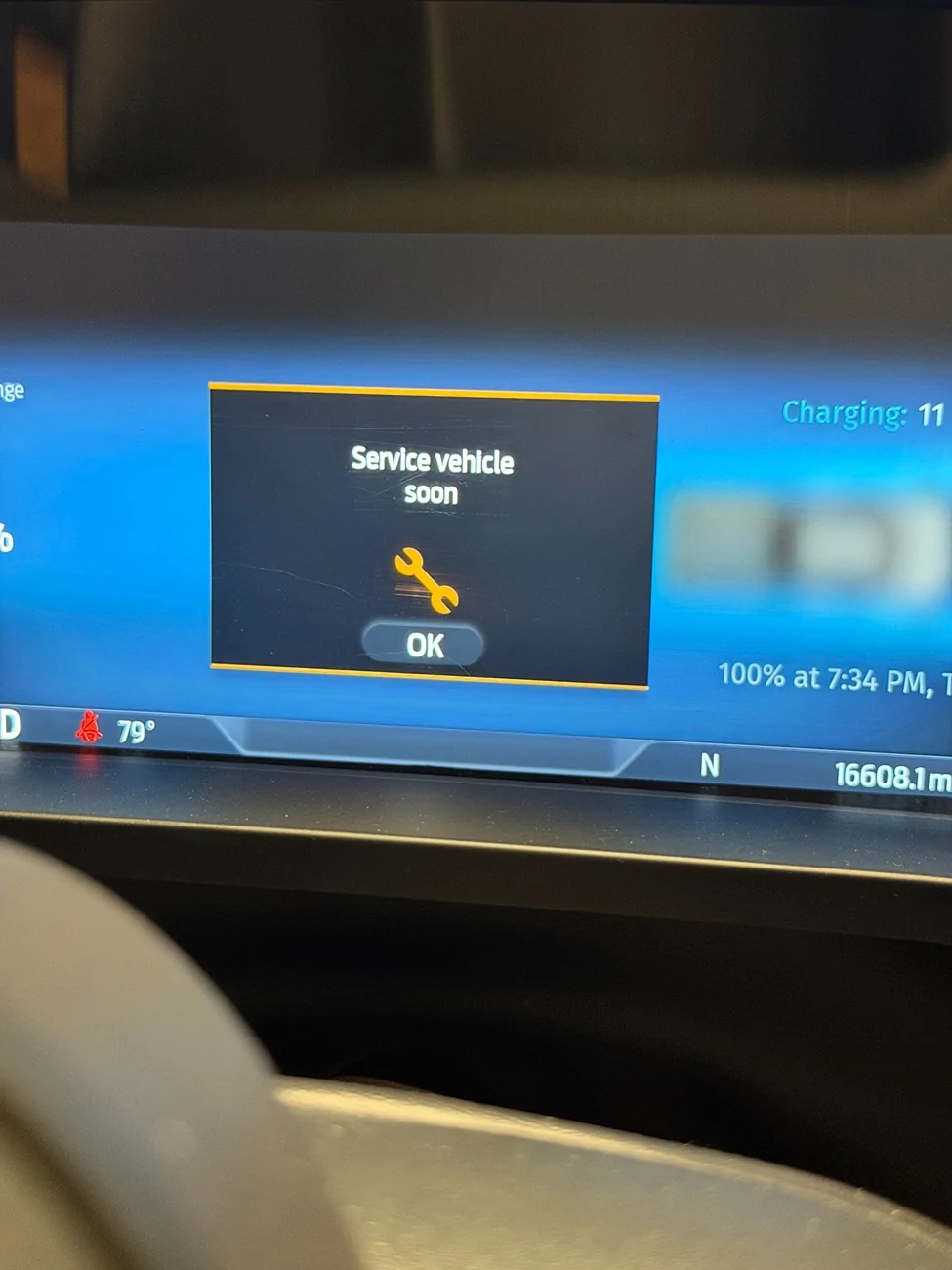
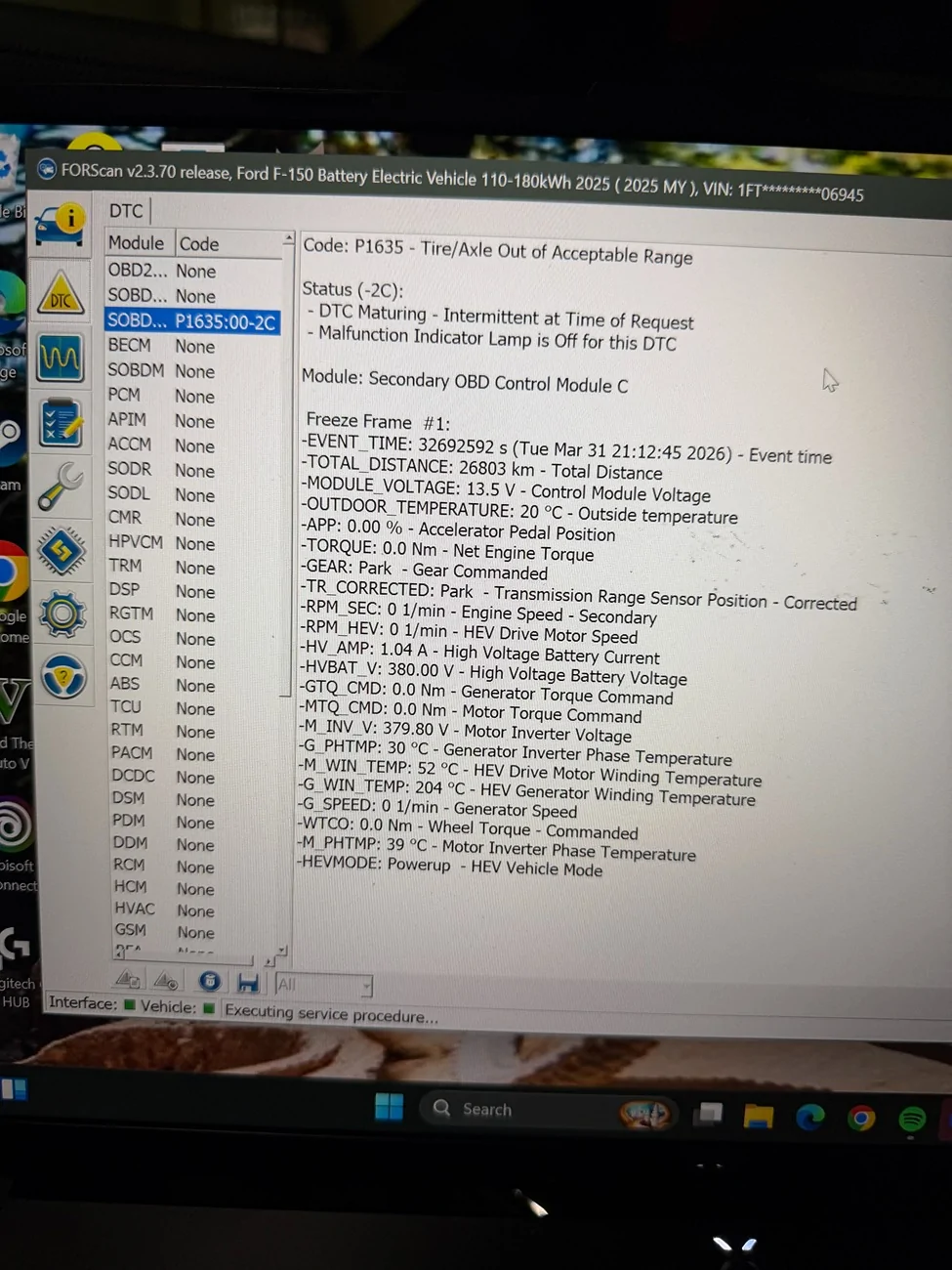
Complete FORScan newb, and my first attempt is screwed up. LOL I followed a Youtube video and changed my tire size. Pretty sure I did it correctly?
Went into "BdyCM Module Configuration" and then searched for tire, and changed it to 2779mm. Saved/write, and then turned truck off and back on. What did I do wrong, and how can I find the error that is causing this?
** edit - looks like I missed a few steps since my video was for a ICE F150.
Here's what I did to get it to work and be happy:
* Go to Configuration and Programming and run BdyCM Module Configuration
* FORScan will open the list of all configuration parameters available for the BdyCM module
* Number of parameters is quite significant, it may be hard to find necessary one. So use the filter field at the top of the work area to filter the list by key word 'tire'
* Select the “Tire Circumference” parameter in the table and open the edit dialog box either by clicking twice with left mouse button on the parameter, or by pressing "Edit selected" button
* Change the value
* Press OK button.
* Press Write to write the changed parameter to ECU
* Now we have discrepancy between tire size values known by PCM and new value stored in BdyCM.
* In order to remove the discrepancy, we need to force PCM to “learn” the new value from the ECC. We can do it using Module Initialization/Relearn vehicle data functions for PCM and SOBD module
* After running the Relearn functions, we need to reset the DTCs
* I discovered this module has a hard coded range (min…max) for the tire size. So if new value is out of the range, module will not learn it but throw P1635, or similar DTC. Unfortunately, in such cases we have no choice other than adjust the new size to be in the range (so, find maximum circumference accepted by the module). This was the case for me. I had to change my tire circumference down to 2720 to get it not to throw a fit. My truck is only maybe .5-1 mph off now. I can live with that.


Went into "BdyCM Module Configuration" and then searched for tire, and changed it to 2779mm. Saved/write, and then turned truck off and back on. What did I do wrong, and how can I find the error that is causing this?
** edit - looks like I missed a few steps since my video was for a ICE F150.
Here's what I did to get it to work and be happy:
* Go to Configuration and Programming and run BdyCM Module Configuration
* FORScan will open the list of all configuration parameters available for the BdyCM module
* Number of parameters is quite significant, it may be hard to find necessary one. So use the filter field at the top of the work area to filter the list by key word 'tire'
* Select the “Tire Circumference” parameter in the table and open the edit dialog box either by clicking twice with left mouse button on the parameter, or by pressing "Edit selected" button
* Change the value
* Press OK button.
* Press Write to write the changed parameter to ECU
* Now we have discrepancy between tire size values known by PCM and new value stored in BdyCM.
* In order to remove the discrepancy, we need to force PCM to “learn” the new value from the ECC. We can do it using Module Initialization/Relearn vehicle data functions for PCM and SOBD module
* After running the Relearn functions, we need to reset the DTCs
* I discovered this module has a hard coded range (min…max) for the tire size. So if new value is out of the range, module will not learn it but throw P1635, or similar DTC. Unfortunately, in such cases we have no choice other than adjust the new size to be in the range (so, find maximum circumference accepted by the module). This was the case for me. I had to change my tire circumference down to 2720 to get it not to throw a fit. My truck is only maybe .5-1 mph off now. I can live with that.
Sponsored