Sponsored

OBD MX +

Robert1380

Well-known member
First Name
Robert
Joined
May 14, 2025
Threads
15
Messages
249
Reaction score
184
Vehicles
2025 Ford F-150 Lightning Platinum
Occupation
Retired law enforcement
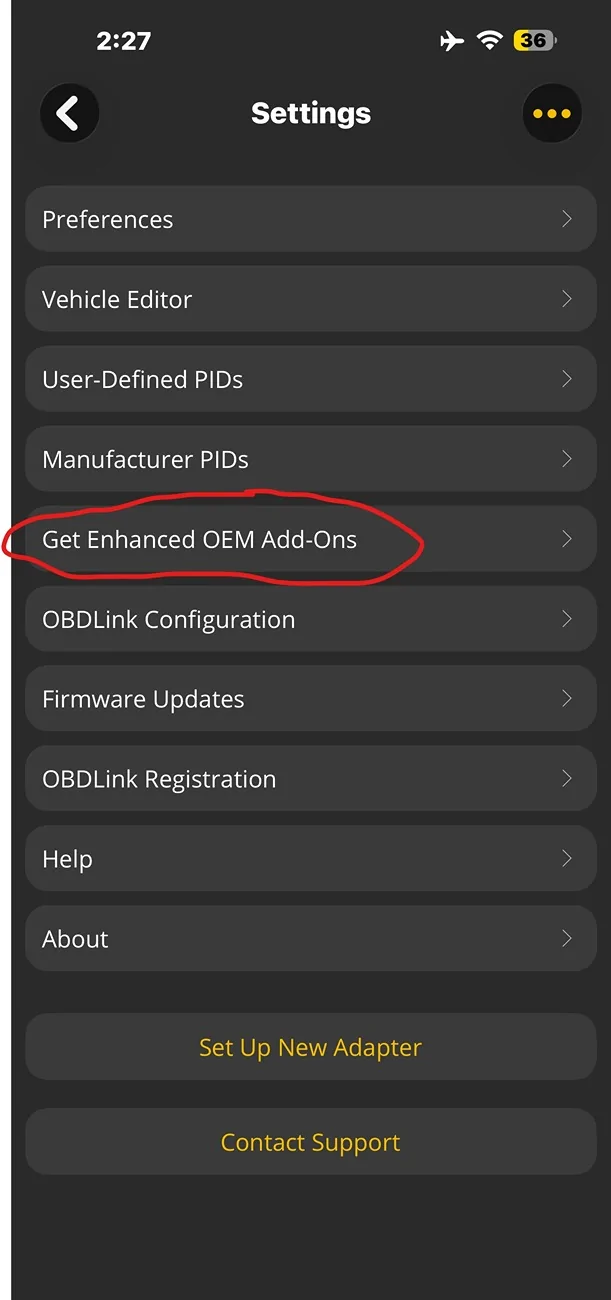
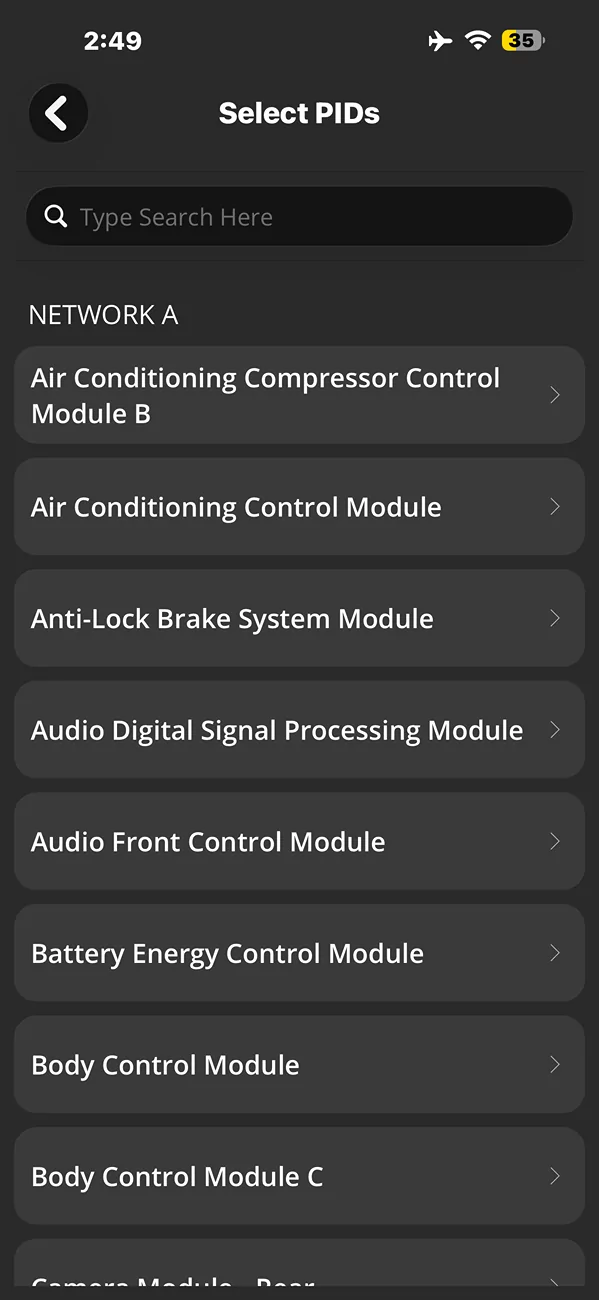
Good morning guys. Gonna have to ask how the heck to use this scanner device since I’m not having much luck getting it configured.

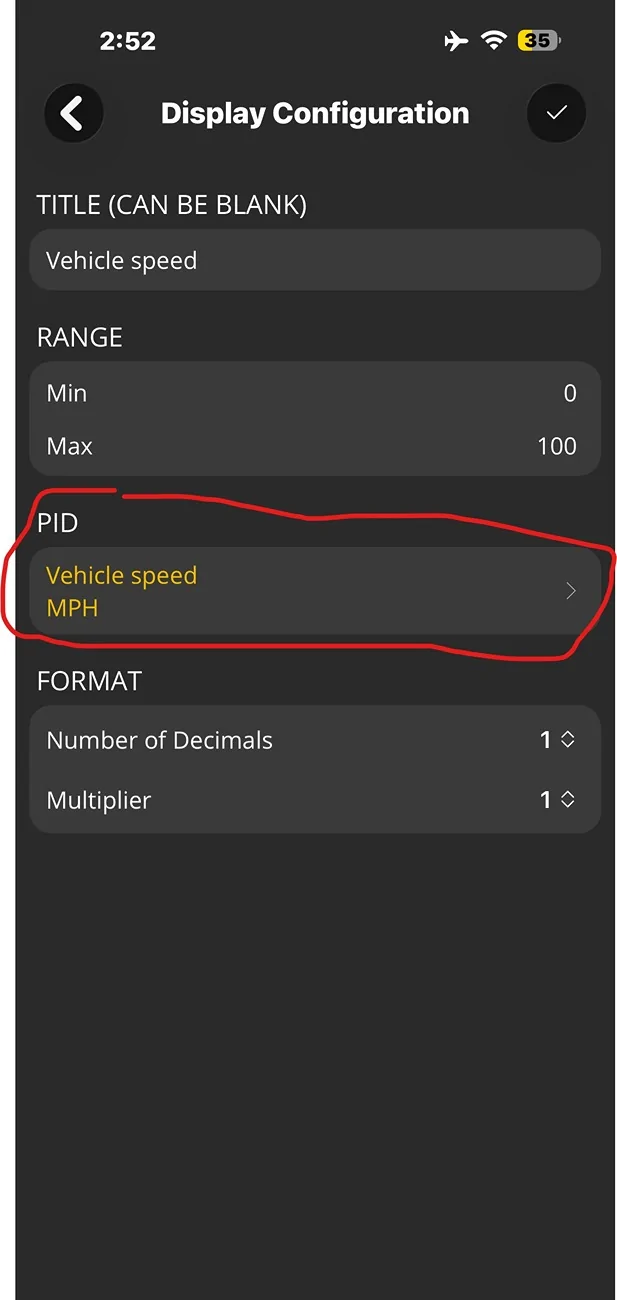
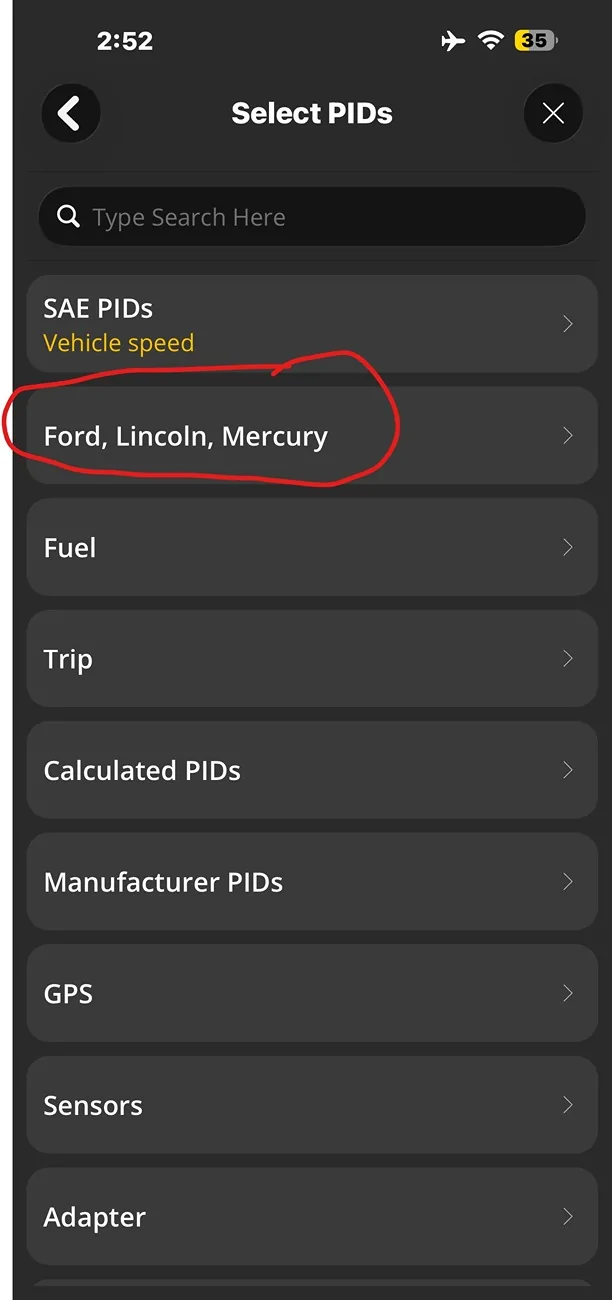
It’s installed and able to connect so there’s half the battle. Unfortunately, the only information I can access is the 12v battery SOC and current speed. How do I set up the screen to view other critical information like the HVB health, etc?

Been messing with this off and on for a few months and gave up. Appreciate it
Sponsored
 

RickLightning

Well-known member
Joined
Jan 17, 2022
Threads
108
Messages
6,760
Reaction score
9,216
Location
SE MI
Vehicles
'22 Lightning ER Lariat,'22 Mach-E Premium 4X
Good morning guys. Gonna have to ask how the heck to use this scanner device since I’m not having much luck getting it configured.

It’s installed and able to connect so there’s half the battle. Unfortunately, the only information I can access is the 12v battery SOC and current speed. How do I set up the screen to view other critical information like the HVB health, etc?

Been messing with this off and on for a few months and gave up. Appreciate it
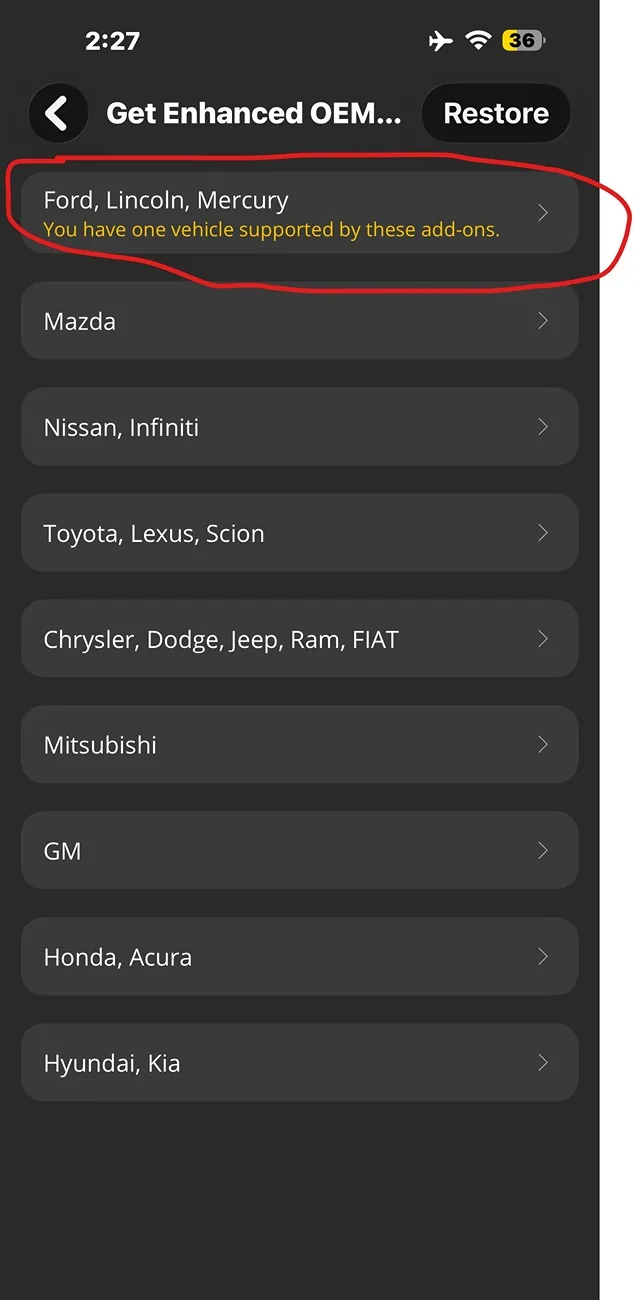
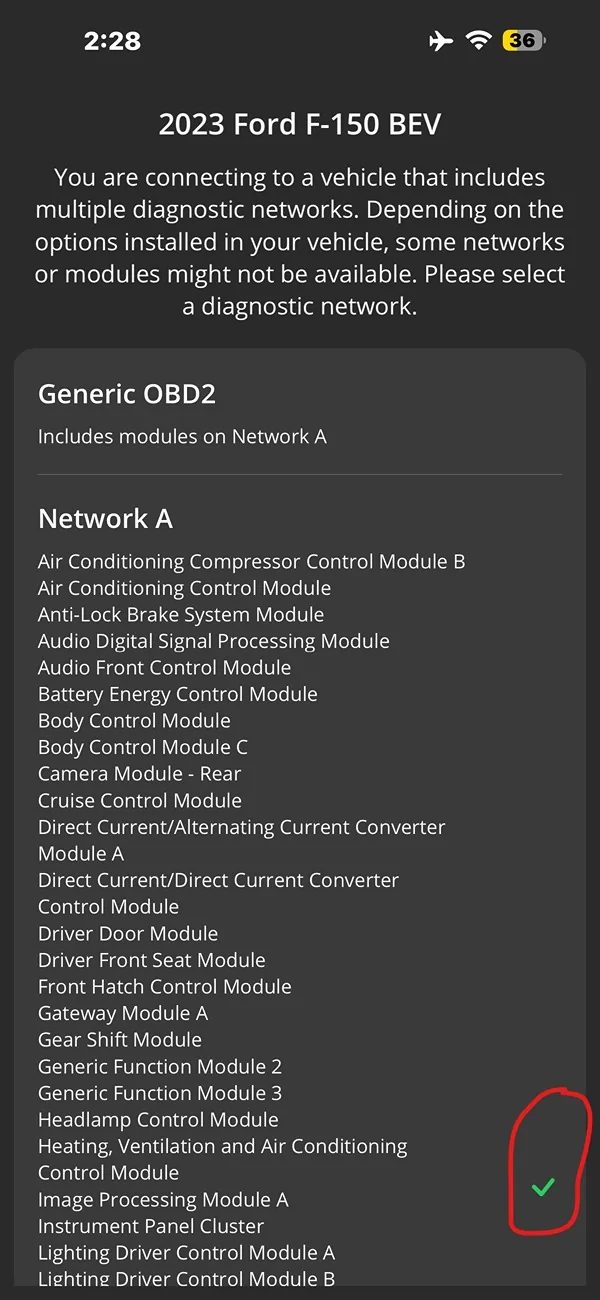
Install the Car Scanner app...
 
OP
OP
Robert1380

Robert1380

Well-known member
First Name
Robert
Joined
May 14, 2025
Threads
15
Messages
249
Reaction score
184
Vehicles
2025 Ford F-150 Lightning Platinum
Occupation
Retired law enforcement

fhteagle

Well-known member
First Name
D
Joined
Jun 15, 2025
Threads
7
Messages
151
Reaction score
206
Vehicles
'22 Lightning Lariat, '23 MYLR, '13 Forester, sold '13 Volt
CarScanner connects to my OBDLink MX+ just fine. It does take up to a minute from disconnected state to actually have the "dashboard" start updating sometimes though. How long are you waiting for CarScanner to finish the connection cycle?
 

chapba

Member
First Name
mike
Joined
Dec 13, 2024
Threads
0
Messages
21
Reaction score
10
Vehicles
2024 Flash
Occupation
fire
Man I’m having issues with my MX+. Have both car scanner and Obd app. Neither make connection to my ECU no matter how long I wait or reset/reinstall.
 

Sponsored
OP
OP
Robert1380

Robert1380

Well-known member
First Name
Robert
Joined
May 14, 2025
Threads
15
Messages
249
Reaction score
184
Vehicles
2025 Ford F-150 Lightning Platinum
Occupation
Retired law enforcement
CarScanner connects to my OBDLink MX+ just fine. It does take up to a minute from disconnected state to actually have the "dashboard" start updating sometimes though. How long are you waiting for CarScanner to finish the connection cycle?
My problem was that I never got it to connect. If my
Memory serves me? It had some error message and never successfully configured
 

21st Century Truck

Well-known member
First Name
Martin
Joined
Jul 11, 2024
Threads
17
Messages
1,011
Reaction score
1,199
Location
Virginia
Vehicles
Ford 150 Lightning 2023 XLT ER pkg. 312A
It sometimes helps to try and get an EPROM update on the OBD MX+. If there is a new EPROM update it'll say so on the home web page, and sometimes the OBD MX+ will self-update too if connected by BlueTooth to a laptop. That's been my experience with these over the past decade or so, until i got the newer cable-tethered OBD EX+.
 

mr.Magoo

Well-known member
Joined
May 27, 2022
Threads
24
Messages
999
Reaction score
1,274
Location
Michigan
Vehicles
2022 Lariat ER, AMB
Probably worth using the OBDLink App first to:
A) update firmware
B) make sure everything is working/talking

...before introducing other apps / sources of issues.

Also remember that the truck needs to be ON for it to work (you'll be able to connect but won't get any data if it's OFF).
 
OP
OP
Robert1380

Robert1380

Well-known member
First Name
Robert
Joined
May 14, 2025
Threads
15
Messages
249
Reaction score
184
Vehicles
2025 Ford F-150 Lightning Platinum
Occupation
Retired law enforcement
It sometimes helps to try and get an EPROM update on the OBD MX+. If there is a new EPROM update it'll say so on the home web page, and sometimes the OBD MX+ will self-update too if connected by BlueTooth to a laptop. That's been my experience with these over the past decade or so, until i got the newer cable-tethered OBD EX+.
Thanks for the info. Appreciate it
Probably worth using the OBDLink App first to:
A) update firmware
B) make sure everything is working/talking

...before introducing other apps / sources of issues.

Also remember that the truck needs to be ON for it to work (you'll be able to connect but won't get any data if it's OFF).
copy that. I’ll mess with it again see if I can get it working. Thank you!
Sponsored


Top