

Fordphanatic
Well-known member
Disable any firewalls your computer may be running. Redownload the driver.I can’t connect, tried different laptops, reinstalling software Something blocking it from connecting to the server.
Sponsored
Disable any firewalls your computer may be running. Redownload the driver.I can’t connect, tried different laptops, reinstalling software Something blocking it from connecting to the server.
Connect to the positive battery terminal first then the ground post last.Can someone please tell me exactly where the two battery charger ends are connected to, and in what order you connect them to the truck?
I see in the FAQ picture that the black cord goes to that little post... but where does the red one go? The linked PDF didnt shed any light.
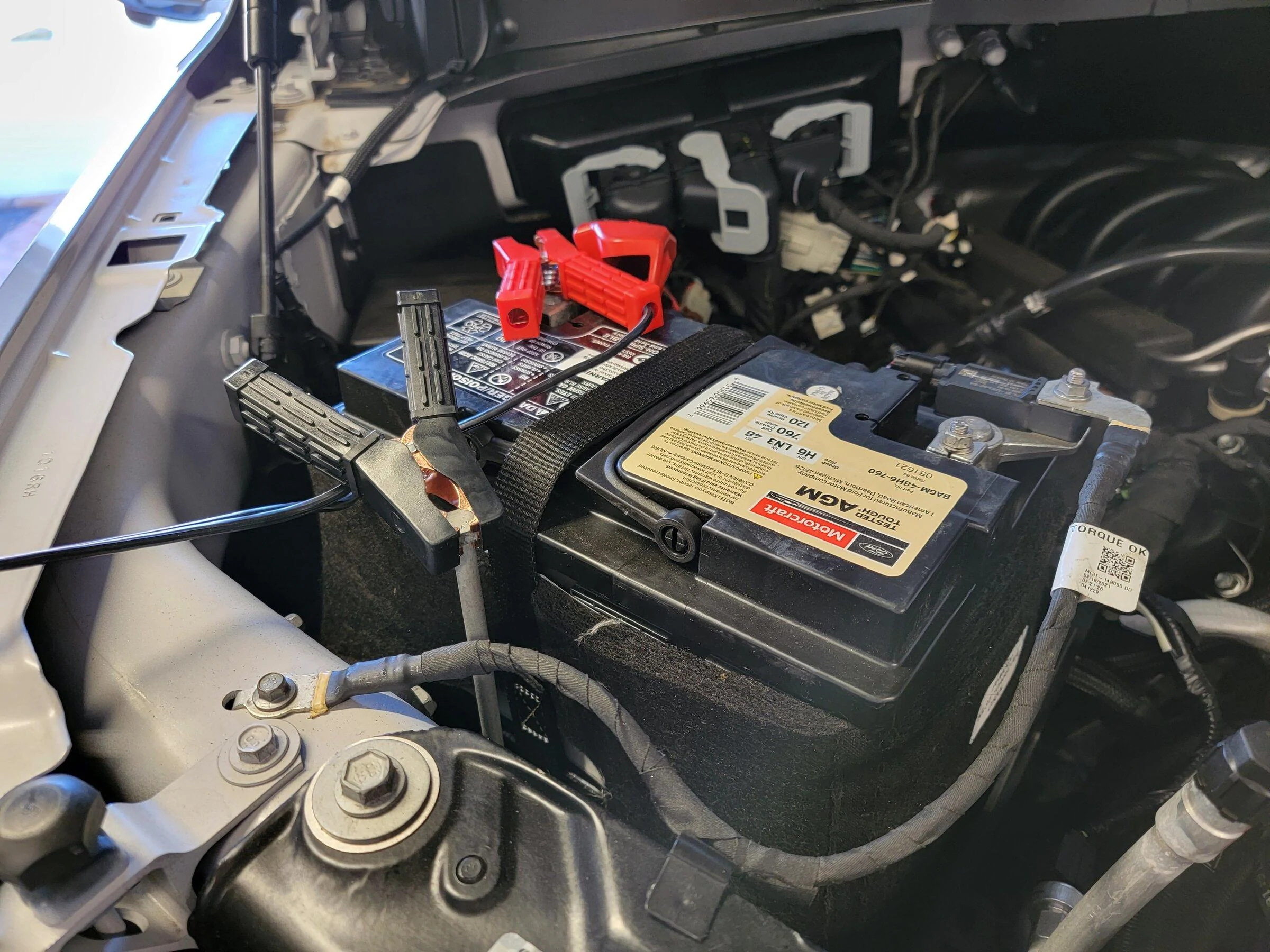
I'm still making updates to the doc. I though it was apparent but, I'll add more to it if it helps.Can someone please tell me exactly where the two battery charger ends are connected to, and in what order you connect them to the truck?
I see in the FAQ picture that the black cord goes to that little post... but where does the red one go? The linked PDF didnt shed any light.
Does the device show connected (Connected to Device) in FDRS on the bottom right corner?Appreciate the doc update. The technology stuff isnt an issue on my side, but I dont want to fry my electronics by hooking up the charger incorrectly.
Another question: Inside FRDS, when I select my VXDIAG - J2534 and hit ok the box never disappears. I have to hit cancel to back out. Is that normal? The setting sticks fine.
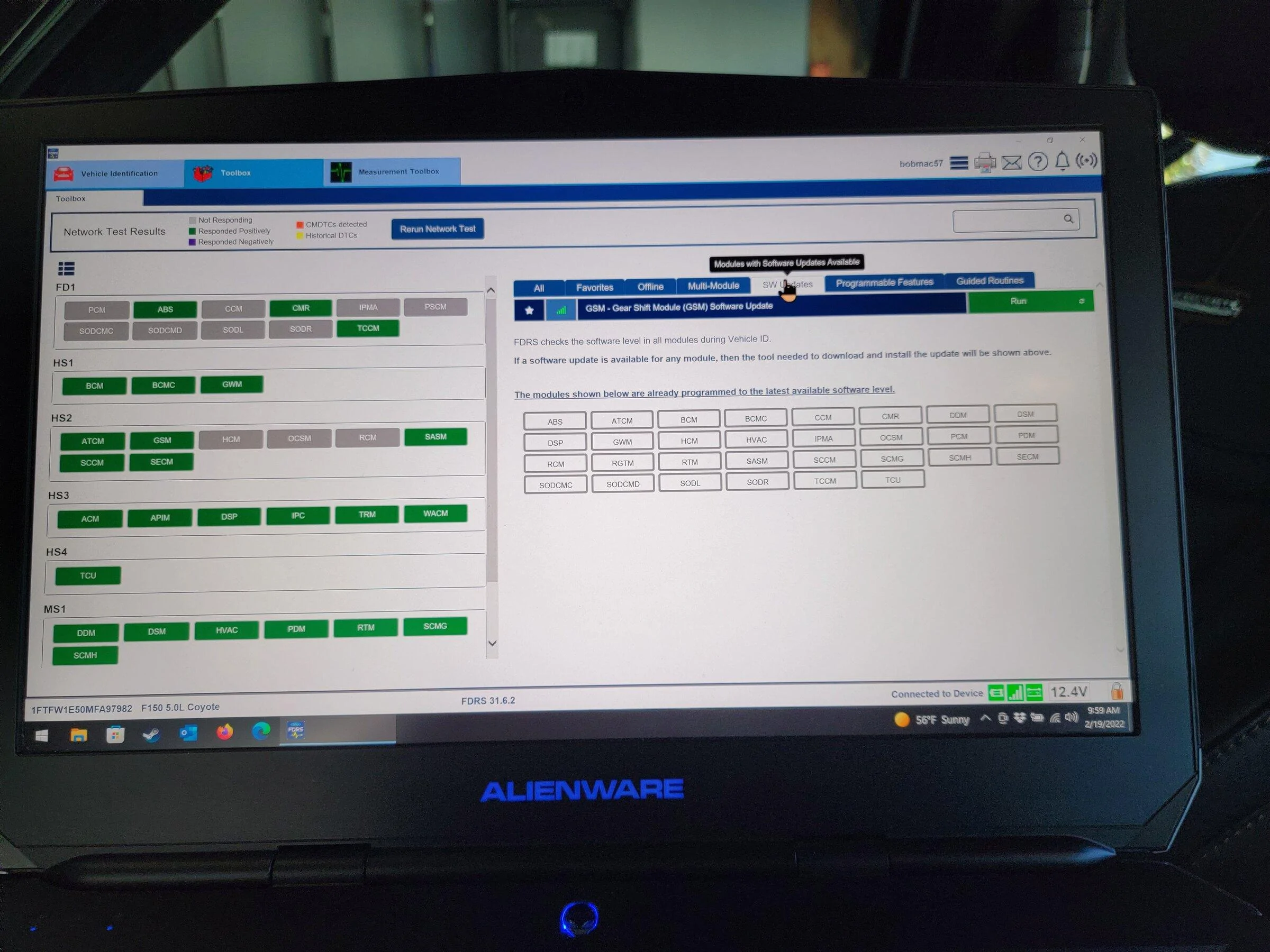
What step are you at?Appreciate the doc update. The technology stuff isnt an issue on my side, but I dont want to fry my electronics by hooking up the charger incorrectly.
Another question: Inside FRDS, when I select my VXDIAG - J2534 and hit ok the box never disappears. I have to hit cancel to back out. Is that normal? The setting sticks fine.
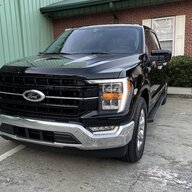
I thought the program had to be running for it to work, well it doesn’t. only need it for the update.Disable any firewalls your computer may be running. Redownload the driver.
It's a little nerve racking to hook into the BRAIN of your sweet truck the first time, but it gets less scary as you succeed at a couple of digital surgeries.I thought the program had to be running for it to work, well it doesn’t. only need it for the update.
Finally got everything running. Thanks for your input.

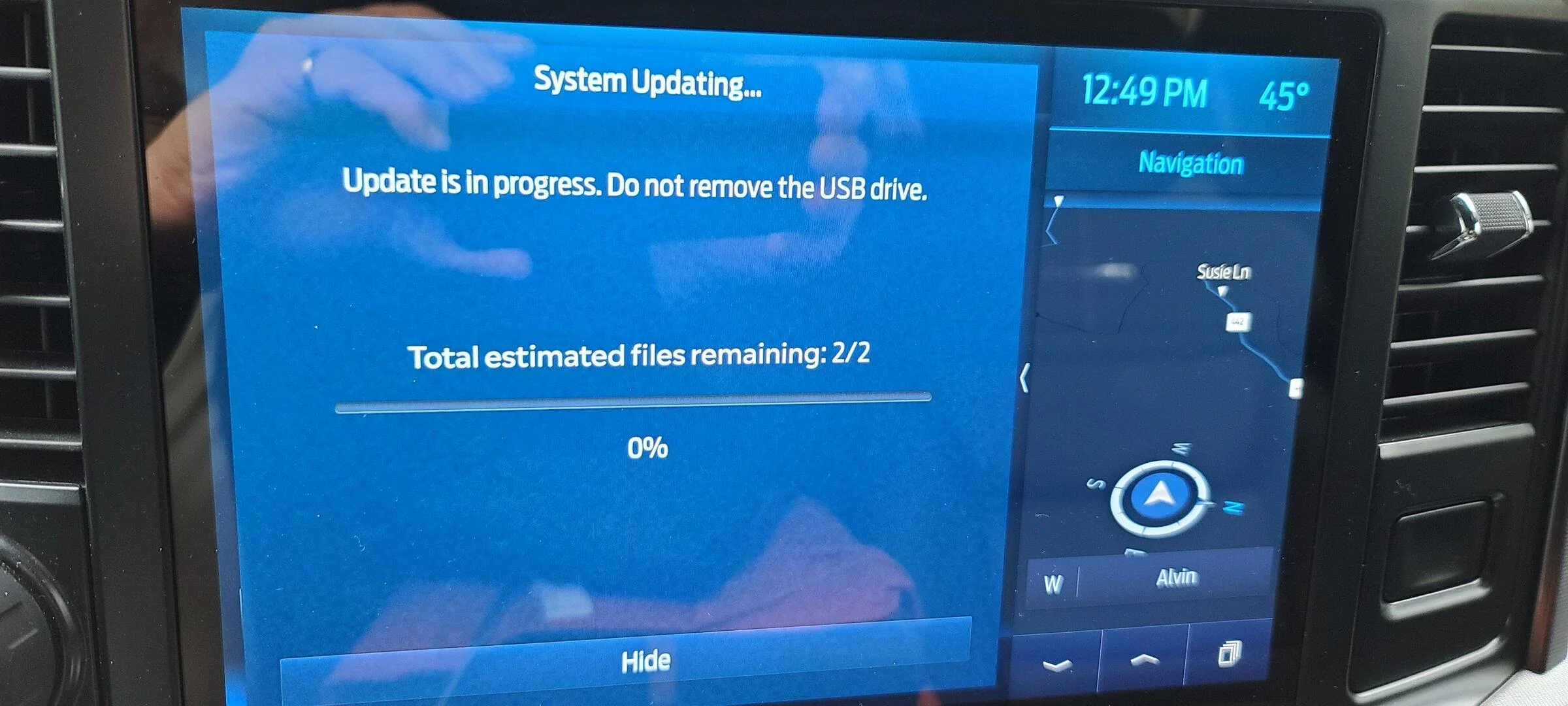
So what’s the current thinking? Is it a problem specific to the Nano or is FDRS having difficulty digesting the J2534 protocol? Put a different way, has anyone used a J2534 device that didn’t trigger the corruption problem? I know @iceman77 plans to test the Mongoose but I don’t think he’s done it yet.All, the corruption is back so... disregard the prior post.
I'm still in the mindset that it's FDRS and how it's handling the J2534 protocol and not specific to the Nano but all J2534 devices. I just spoke with a friend who's a Master Ford Tech and he believes it may be speed related and how fast/slow the data is sent. Lastly, FORScan see the modules fine when using the Nano...So what’s the current thinking? Is it a problem specific to the Nano or is FDRS having difficulty digesting the J2534 protocol? Put a different way, has anyone used a J2534 device that didn’t trigger the corruption problem? I know @iceman77 plans to test the Mongoose but I don’t think he’s done it yet.


