


Spindrive
Well-known member
What is the latest power up out? I’ve been waiting to do camera in motion forscan change cause I saw it may be included in the next set of updates?
Sponsored

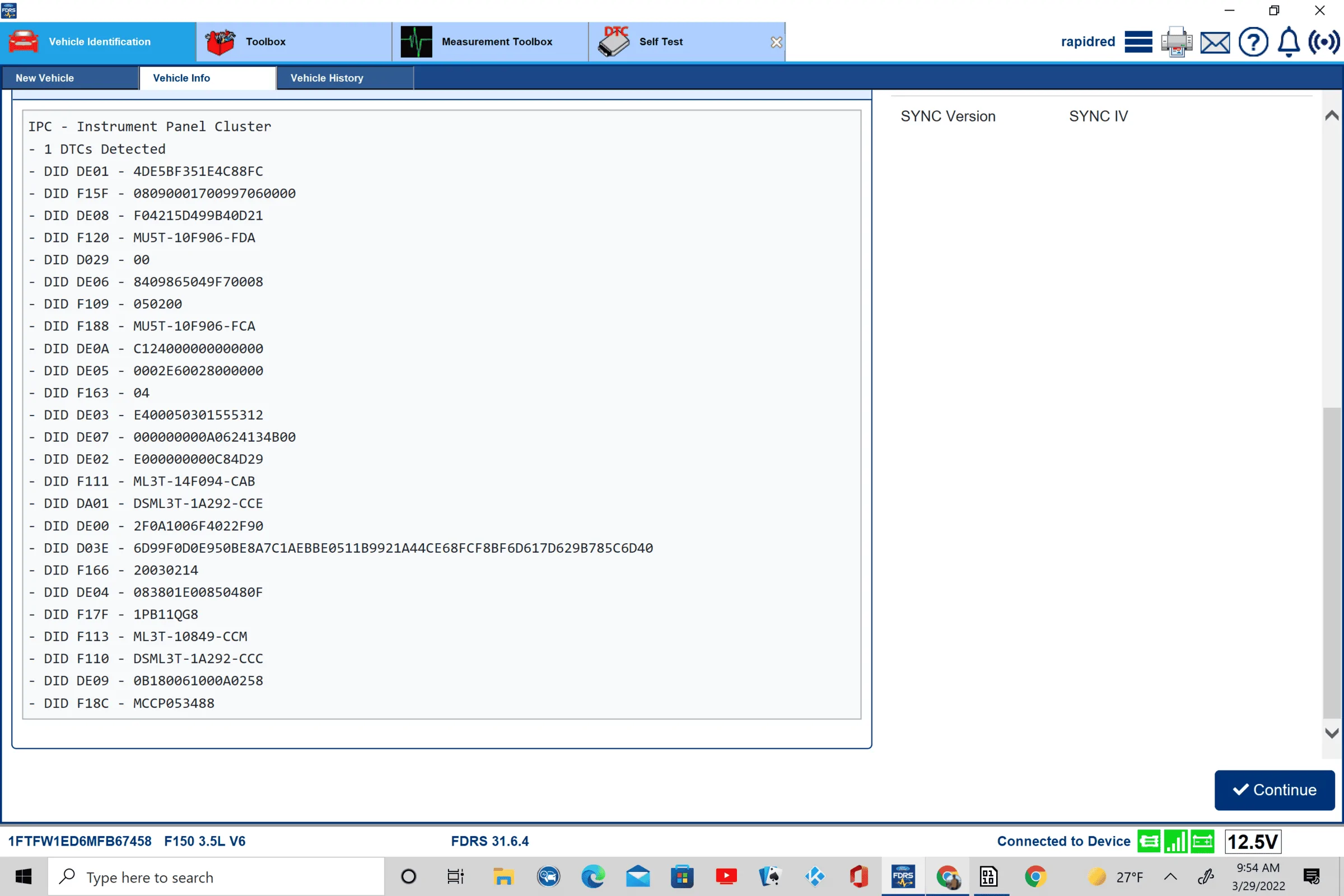
I re-uped my FDRS, here is a pic of the screen. Let me know if you need anything else. Really appreciate you looking at this.If that is the error you have you may have the issue other have had where one half of the update installed only.
in fdrs when it first loads and lists the modules select ipc
at the bottom there will be a readout of all the info send me a pic of that info I’ll know if I can fix it for you like I have for a few others

Click no when forscan asks if you want to load a previous profile when you first connect. That usually takes care of that error.When I try writing to the IPC module (specifically 720-09-02 to get rid of the pedestrian alarm) I get the following two errors:
Gain security access failed - security key is wrong
Service procedure has been interrupted
Any thoughts here as to what I'm doing wrong? I followed the guides exactly (to my knowledge)
My apologies if this has been asked previously in this thread, I tried searching for it but did not find it

Did you unplug the module as well? It was stated in the post that detailed how to do it.In regards to disabling the pedestrian alert speaker, has anybody done this successfully, going from a value "4", to a value "0"? I tried it on mine (has a 4 currently), but the speaker is still beeping in reverse as well as making the noise in drive. Any ideas?
No. The spreadsheet states that unplugging the module is only required if changing from a "5" to a "1", NOT a "4" to a "0". Or maybe this is worded wrong, and unplugging the module is required either way?Did you unplug the module as well? It was stated in the post that detailed how to do it.
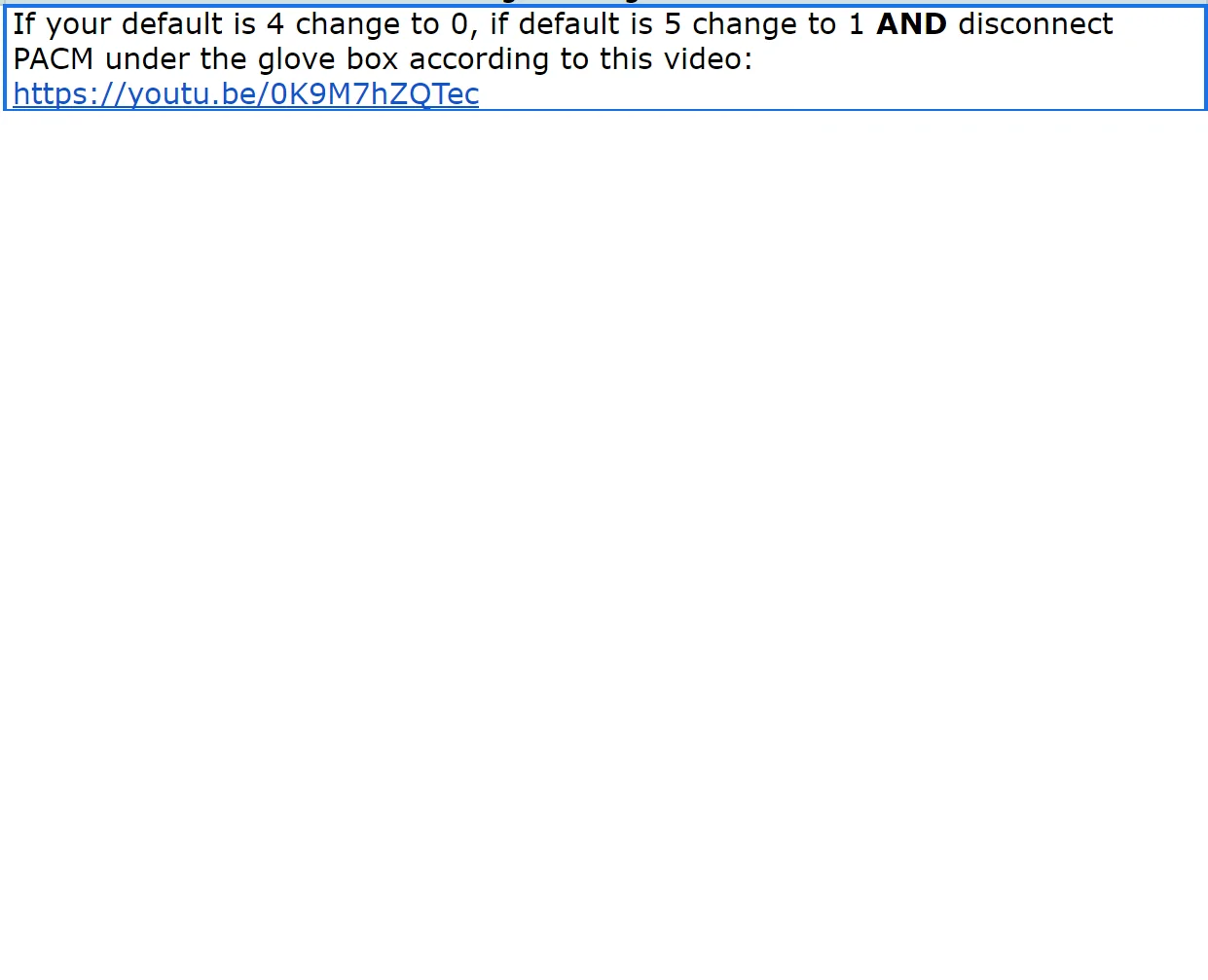
I can confirm, the PACM needs to be disconnected for it to stop “beeping” when backing up. Setting the IPC in ForScan merely disables the DTC and error message on IPC when the module is disconnected. I just tested it todayI'm not certain, but I think you need to disconnect the PACM regardless of what the default value was.
I guess the instructions are just worded a little oddly, I will give it another shot!I'm not certain, but I think you need to disconnect the PACM regardless of what the default value was.
Then unplug it I shall. Thanks for the clarification.I can confirm, the PACM needs to be disconnected for it to stop “beeping” when backing up. Setting the IPC in ForScan merely disables the DTC and error message on IPC when the module is disconnected. I just tested it today
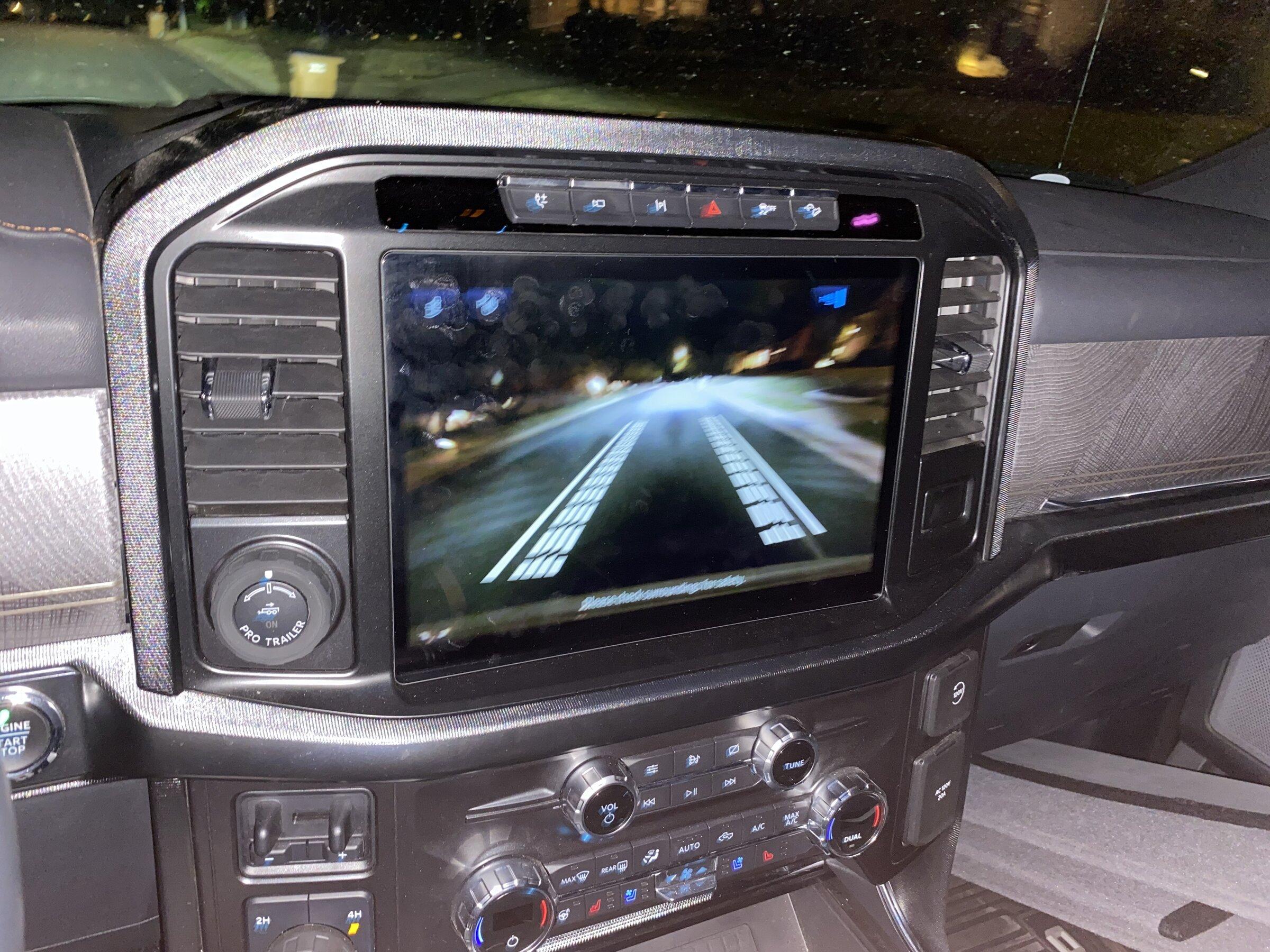

I have a 2021 Platinum. Up to date. Bluecruise working. Hitch, Bed and rear cameras now selectable at speed. I have successfully added the Tremor Style Camera (full screen front view at speed with tire locators) as shown in the following in full screen:

This camera comes on in the following MODES: Rock Crawl, Mud/Ruts, and Deep Snow/Sand. Setting IPMA 706-02-02 xxxx xx03 xx-- turns on this Tremor offroad camera feature set.
This change has been tested on updated 2021 Job 1 (pre 7/5/2021 builds) Platinums and King Ranches. With and without factory FX4. But it is believed that 2021 Job 2s and 2022s will work as well.... if you already have rear, hitch and bed cameras at speed.
Usual warnings apply.... Your mileage may vary. Always backup first!
Credits: @Livnitup , @Jesse-Infotainment and many other F150 Gen 4 pioneers. Without you guys this kind of stuff WOULD NOT BE POSSIBLE! Thanks.

What is your current value in IPMA here? 706-02-01 xxxx **xx xx--Nice find. Tested this on my XLT 302A with 360 and now I do get the front camera turning on when switching to mud or rock crawl automatically (it wasn't before). But no tire indicators like above. Could be because I got stuck at 21281 v244? Or is there something else that could enable that...
xxxx FFxx xx--What is your current value in IPMA here? 706-02-01 xxxx **xx xx--


