kcf150
New member
Rain sensor installed and it rained today. Successfully tested. I changed only the 3 forscan values (omitted the BCM correction as suggested by another user).
Sponsored
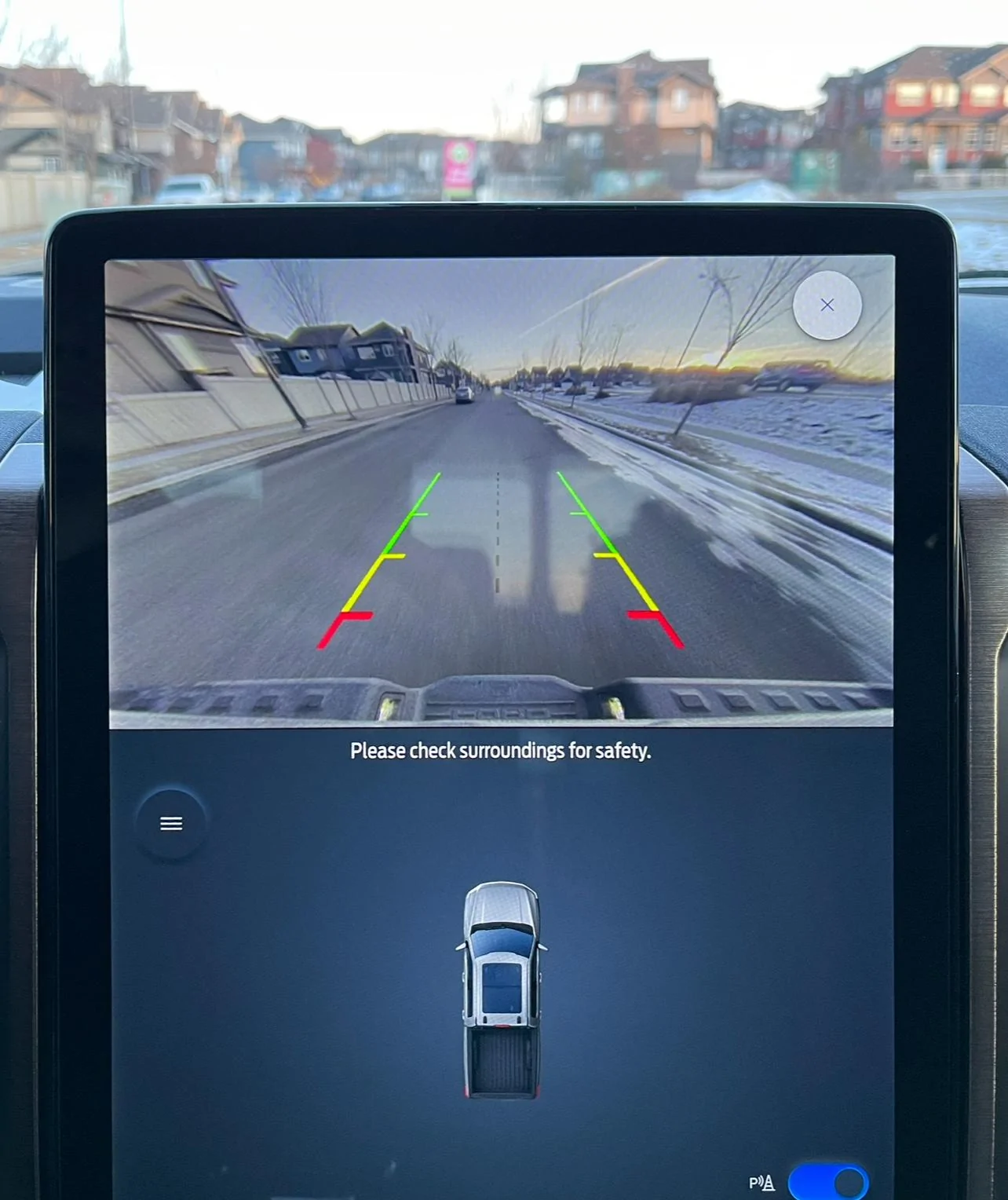
Can you please explain how you got this fu**** "Full View Not available black box" of the screen!!!? I really do hate to have it there blocking the most important viewSo happy that I disabled the Full View Not available black box in the always on camera mode.


In case you haven't gotten what you were looking for already, here is the lighting options picture and the info screen for glare-free in my MY23 Lariat ER.Will someone who has glare free headlights please post a photo of the options in the lighting section of settings on the center screen?
I'm trying to get glare free working using another method and running into road blocks. Self-inflicted road blocks but obstacles nonetheless.?
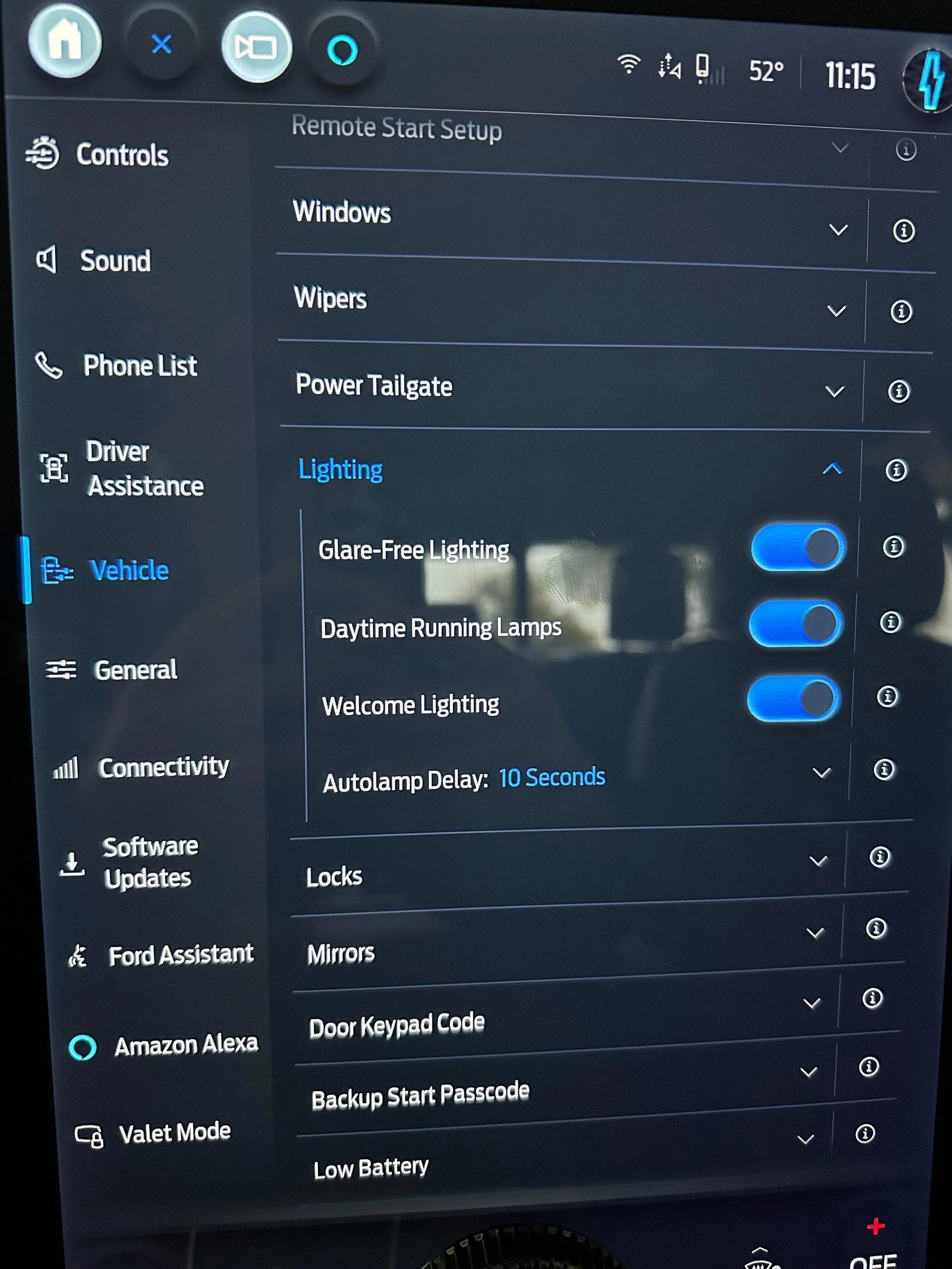
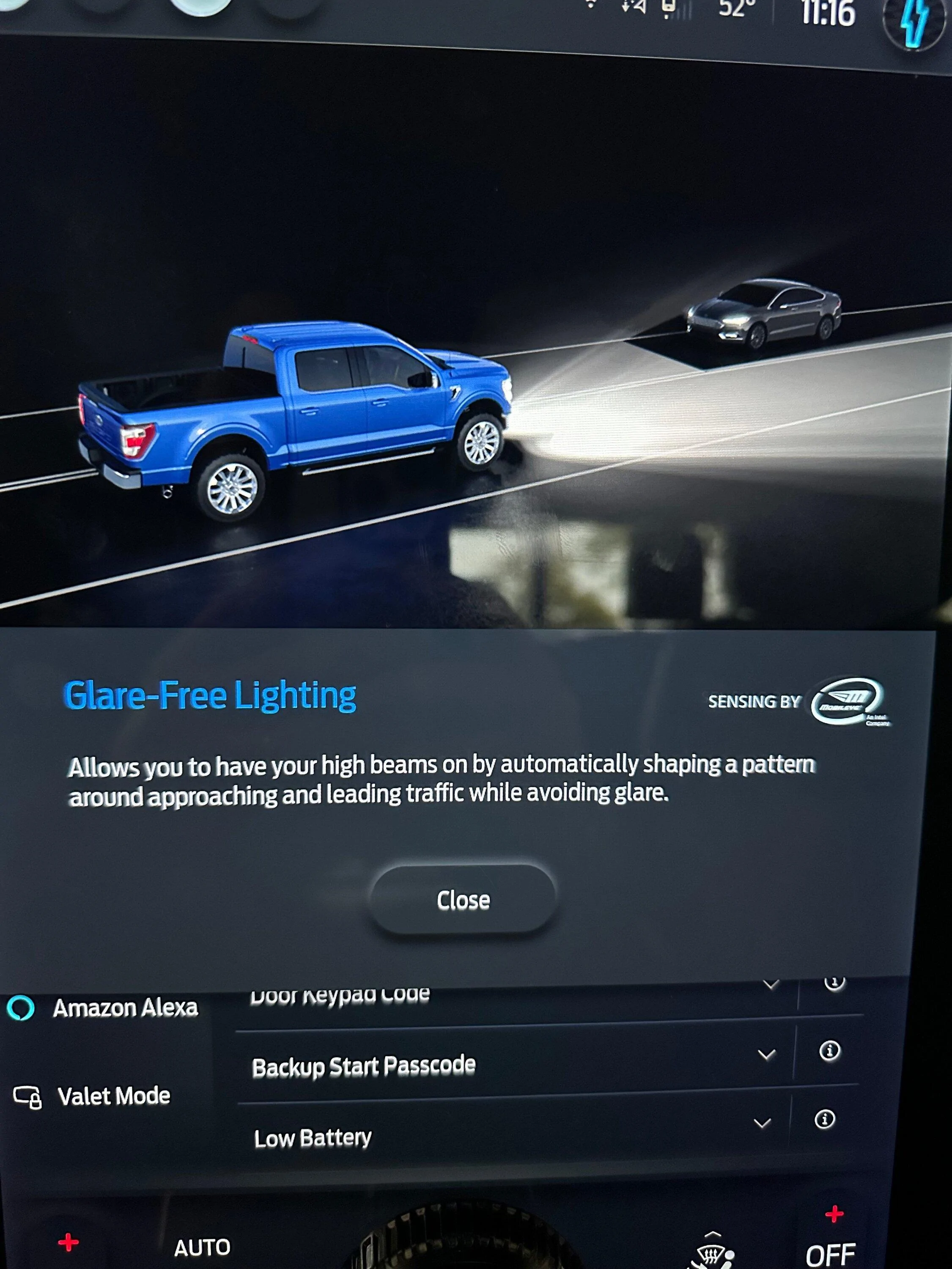
Thanks. I had figured it out but my first attempt gave me the option of what side of the road to drive on.In case you haven't gotten what you were looking for already, here is the lighting options picture and the info screen for glare-free in my MY23 Lariat ER.


There is an awesome spreadsheet linked in the first post of this thread:Can you please explain how you got this fu**** "Full View Not available black box" of the screen!!!? I really do hate to have it there blocking the most important view
This is what the IPC settings should be for Glare-free, according to the spreadsheet:Does anyone know if there are different IPC Settings I should be using to avoid that error?
| IPC | 720-01-01 | xx8x | xxxx | xx-- |
| IPC | 720-10-01 | xxxx | xxx3 | xx-- |
I decided to try again, but this time writing the changes one by one instead of all at once. No errors now. Will test come night time.This is what the IPC settings should be for Glare-free, according to the spreadsheet:
IPC 720-01-01 xx8x xxxx xx-- IPC 720-10-01 xxxx xxx3 xx--
Hoping that works for you. There are a ton (including ICE) that have this turned on. You've got a '22, so the noted settings should work. It was unfortunately likely a fat finger or write that didn't complete that cause problems.I decided to try again, but this time writing the changes one by one instead of all at once. No errors now. Will test come night time.
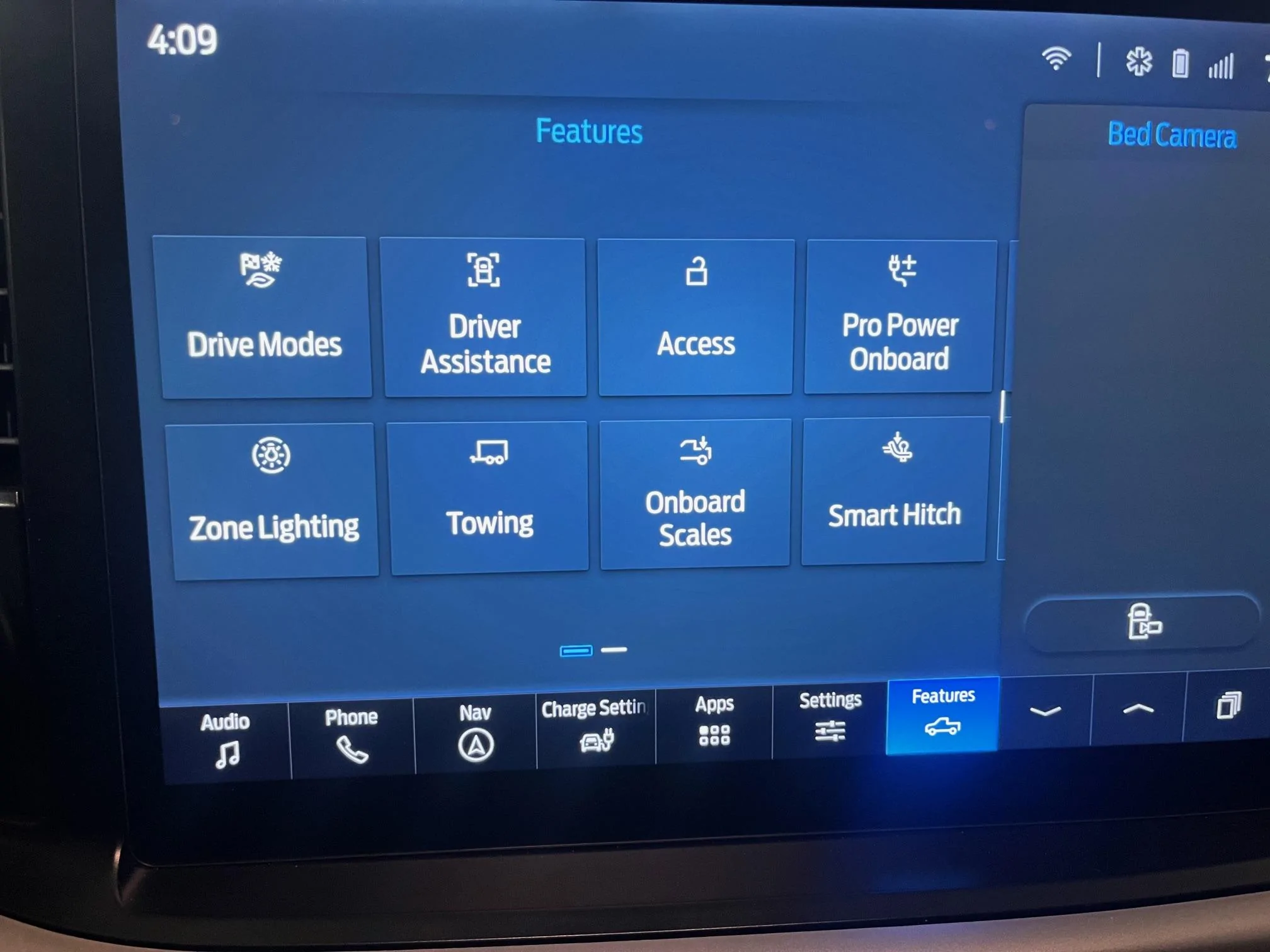
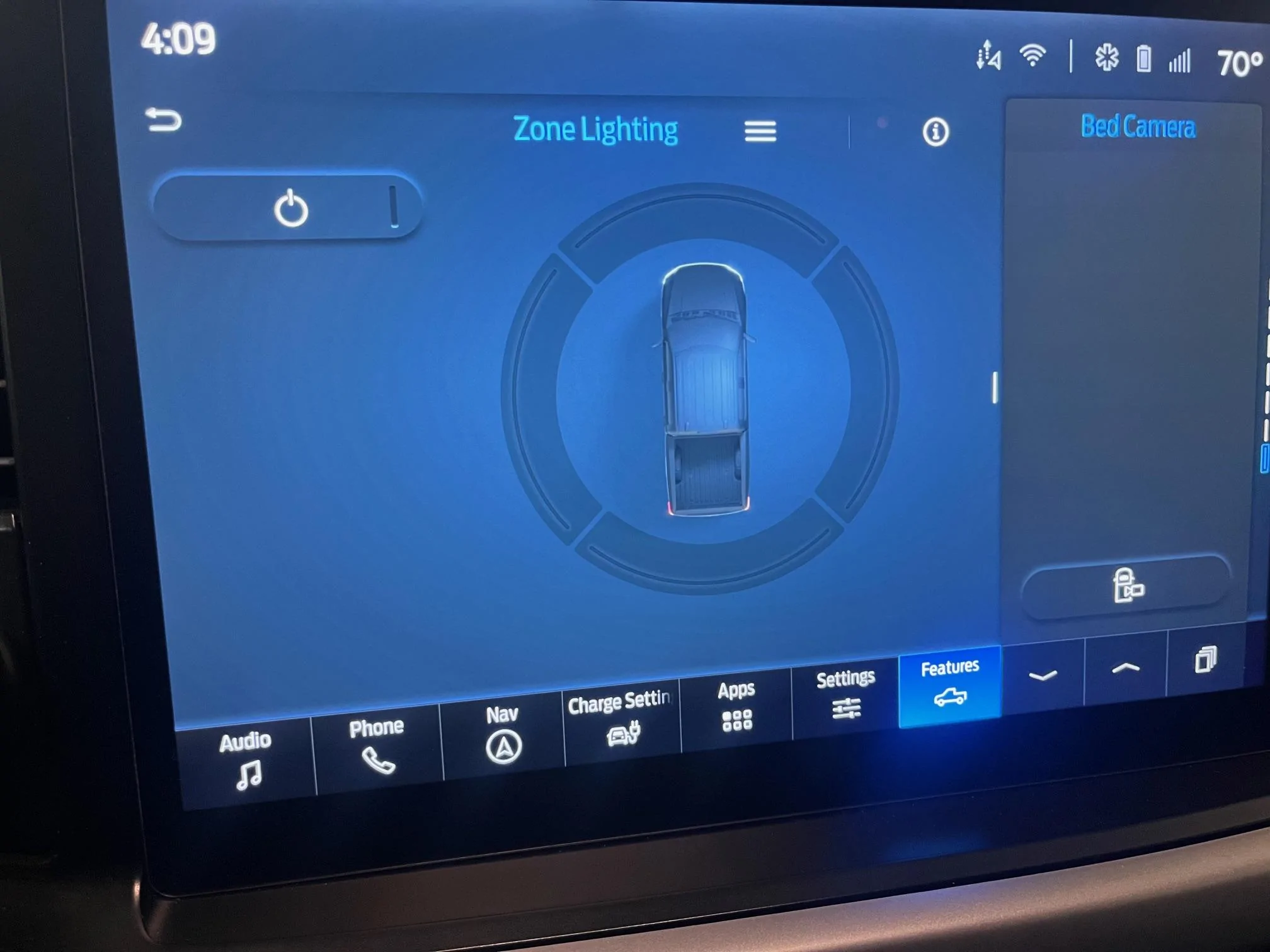
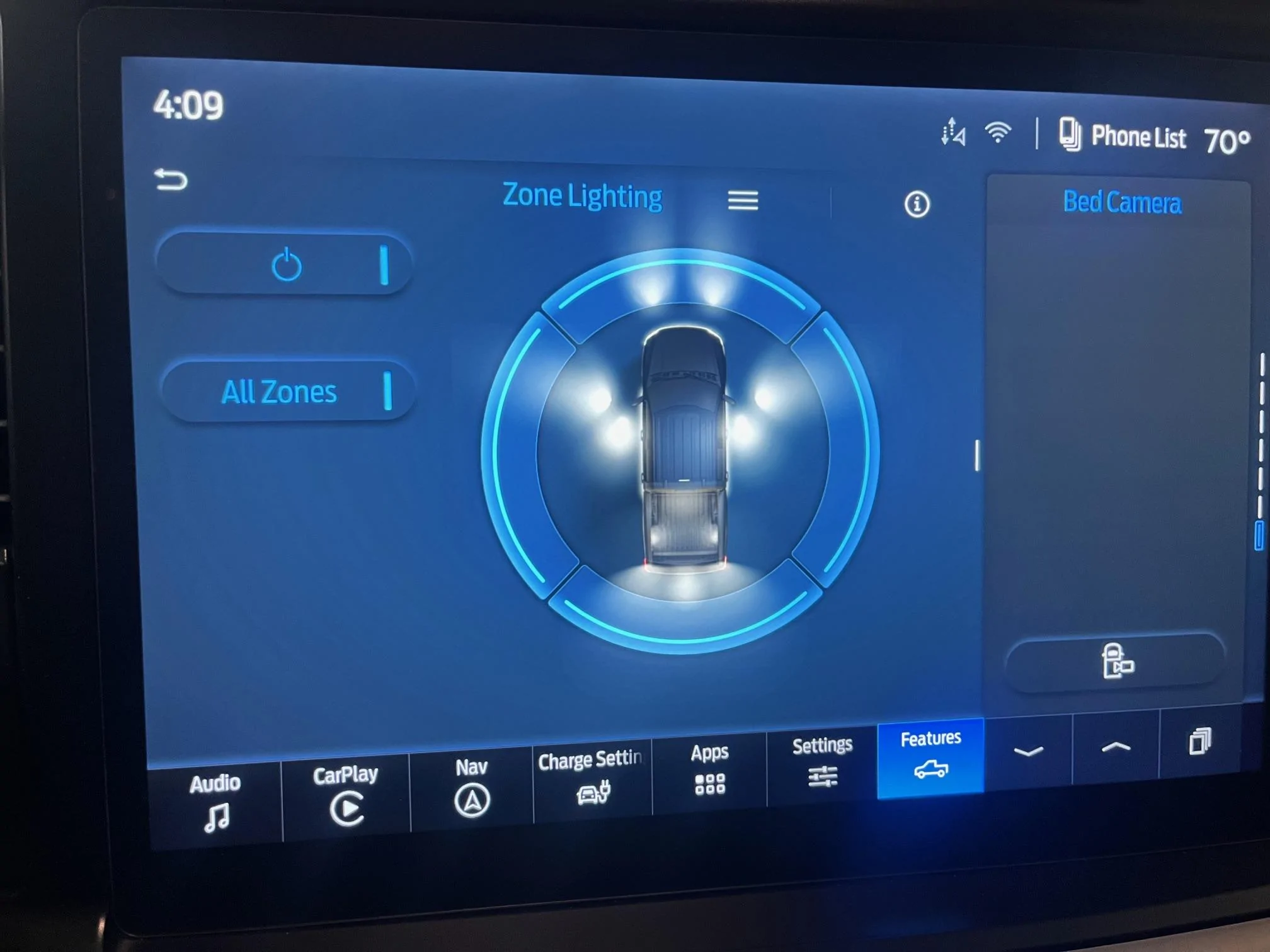
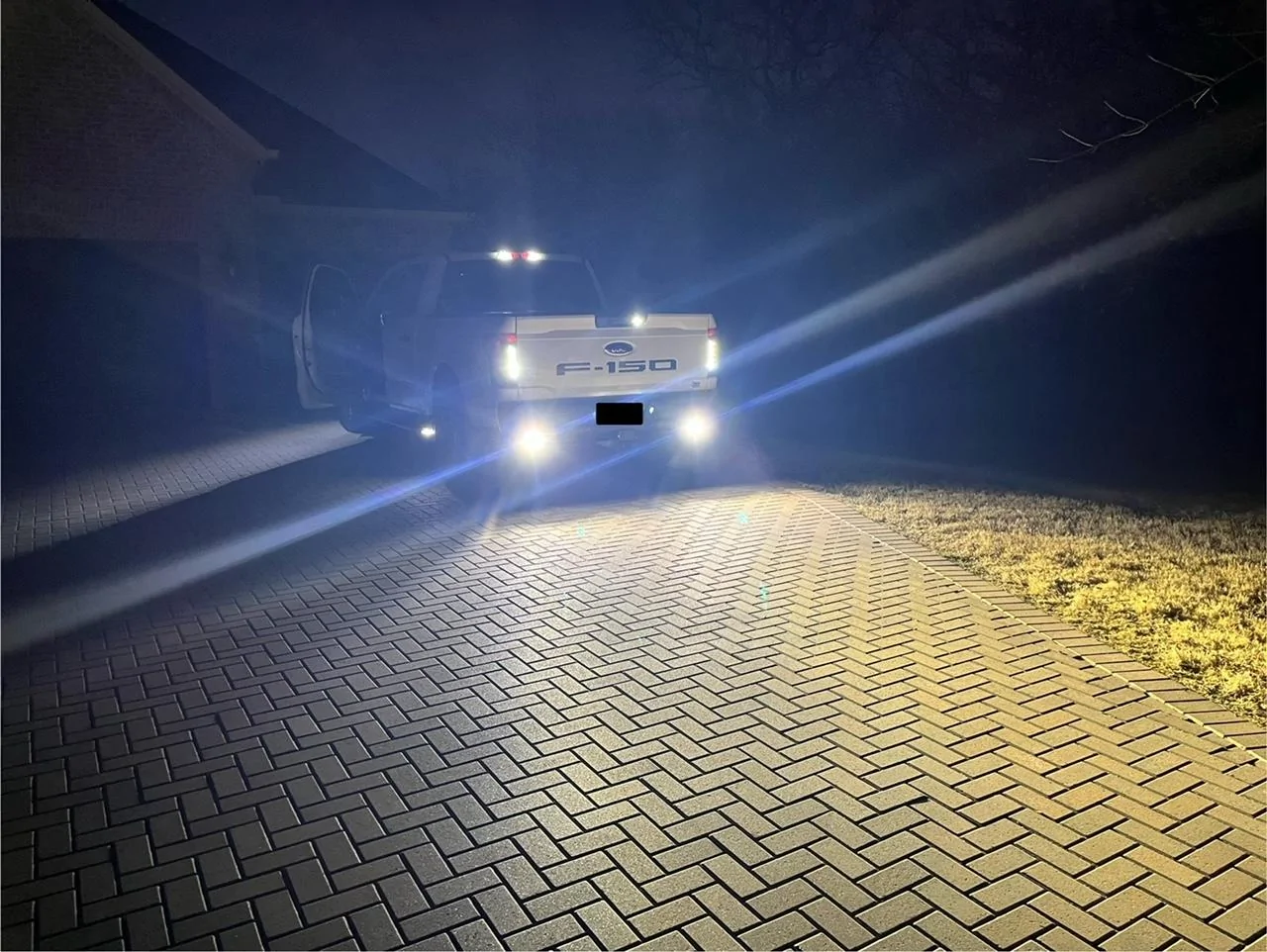
Got the ZONE LIGHTING Feature added to my PRO thanks to @Livnitup and the Install help of @GDN !Has anyone found a way to turn on the zone lighting option for a pro or an XLT without that included in the package?
I have all the lights to do zone lighting, including on the mirrors and the runningboards but I don’t have the option on the screen or in the app.
I know I will probably not be able to ever do it in the app, but has anyone successfully turned on zone lighting in a pro or XLT that didn’t have it via forscan?
.