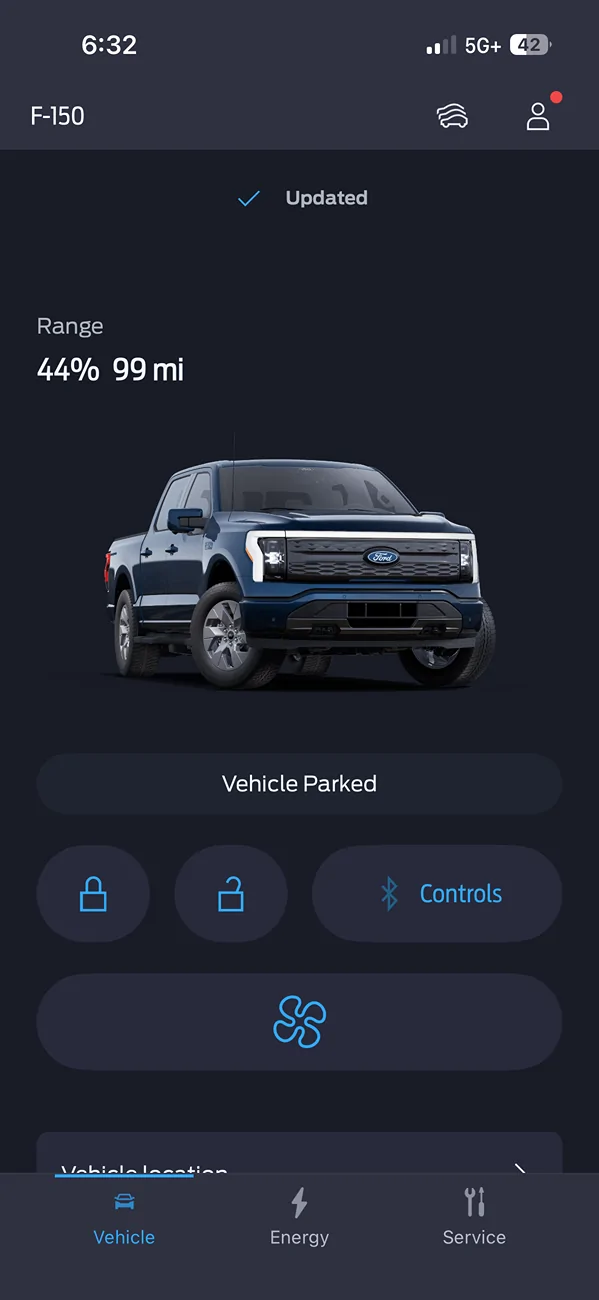
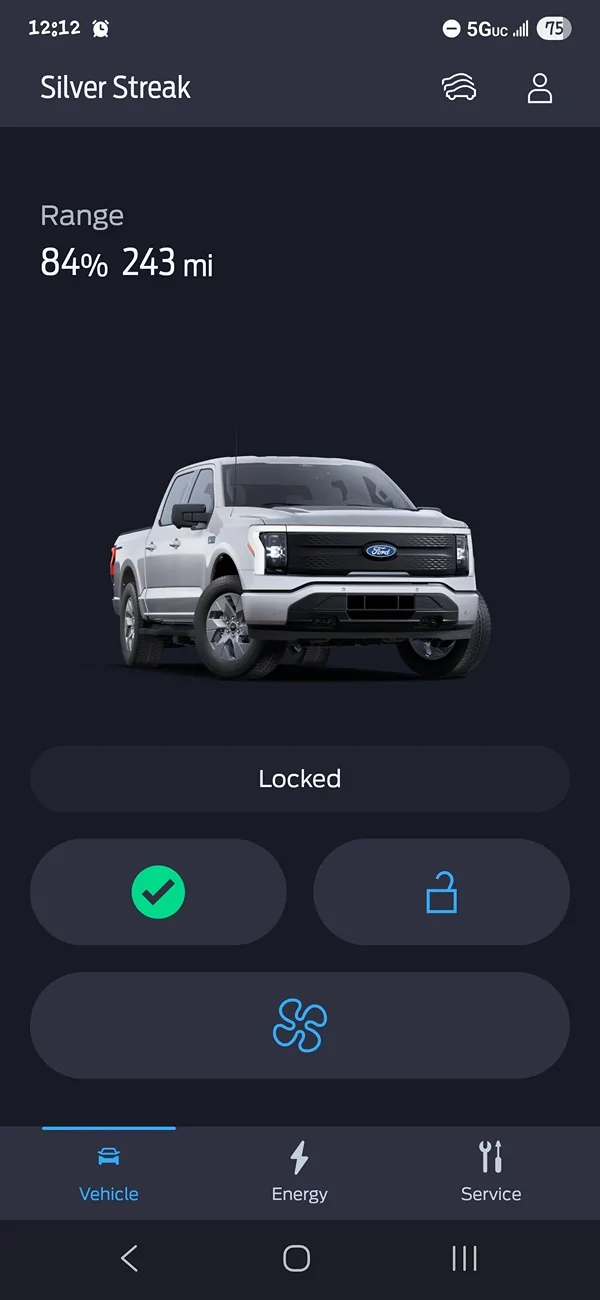
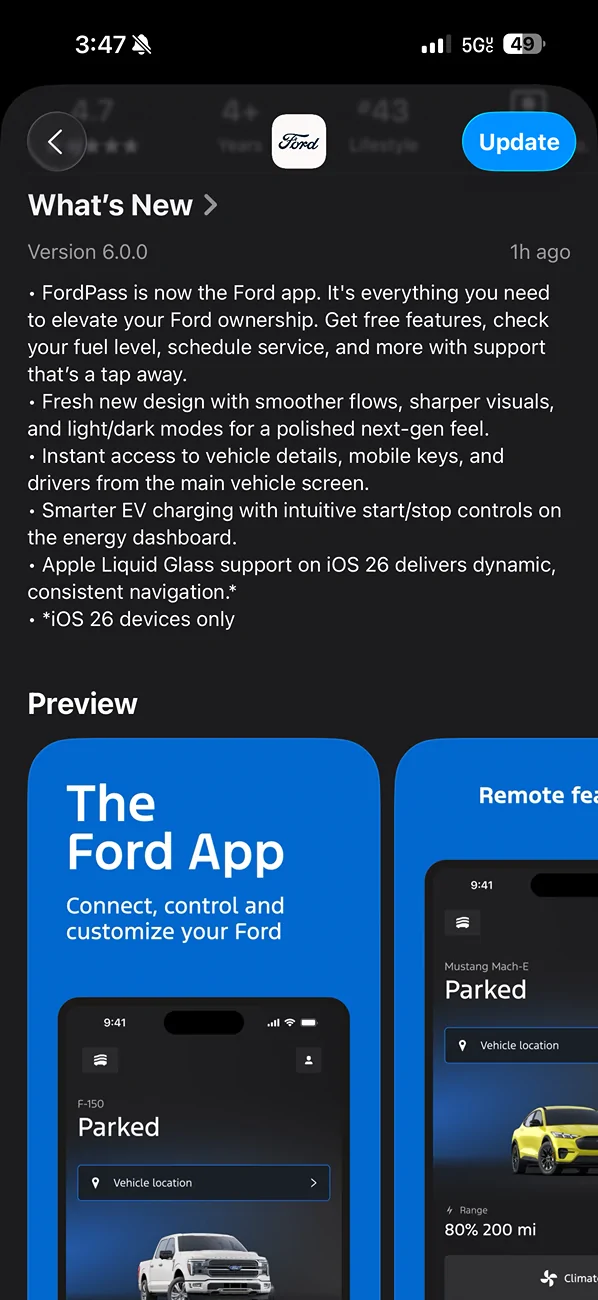
New app? Just new look. Not a fan of the edgy icons. And why white/black for the app icon? I thought it was Blue Oval?
Annoying that there is so much wasted space at the top of the screen and forces one to scroll down to use basic lock/unlock and climate controls. Might be different with a Max sized device?
Ford needs to improve functionality like has been suggested as-nauseum in this forum, PPO controls through the app, zone lighting controls, and making universal settings for charge limits and not just by location.
No new features yet, but this design looks and feels very modern and fun to use. Well done Ford.
I look forward to getting the ability to view/manage Pro Power from the app.
New app? Just new look. Not a fan of the edgy icons. And why white/black for the app icon? I thought it was Blue Oval?
Annoying that there is so much wasted space at the top of the screen and forces one to scroll down to use basic lock/unlock and climate controls. Might be different with a Max sized device?
Ford needs to improve functionality like has been suggested as-nauseum in this forum, PPO controls through the app, zone lighting controls, and making universal settings for charge limits and not just by location.
And not sure if this is a new app issue or not. Parked yesterday with seat heat 1 and heated steering wheel on. Remote started this morning and app said seat heat 2 and heated steering wheel on. When I got in tuck the seat heat was on 3 and the heated steering wheel was off. So not sure if a new app issue, or if some new issue with truck.
But that doesn't tell you the current lock/unlock state of the truck. If you want to make sure the truck is locked, you have to use the app to lock it again (and wait for the command to send and receive the acknowledgement).
An easy way to do that in the app would be to simply highlight the corresponding padlock icon on the main screen of the app. I.e. highlight the locked padlock icon if the truck is locked.
For me I now see the Android app name is updated to 'Ford', the description and the screenshots are for the new version 6.0, but still showing version 5.28 for now. I usually am in a later wave and others get the updates here before me.