

alockbox
Well-known member
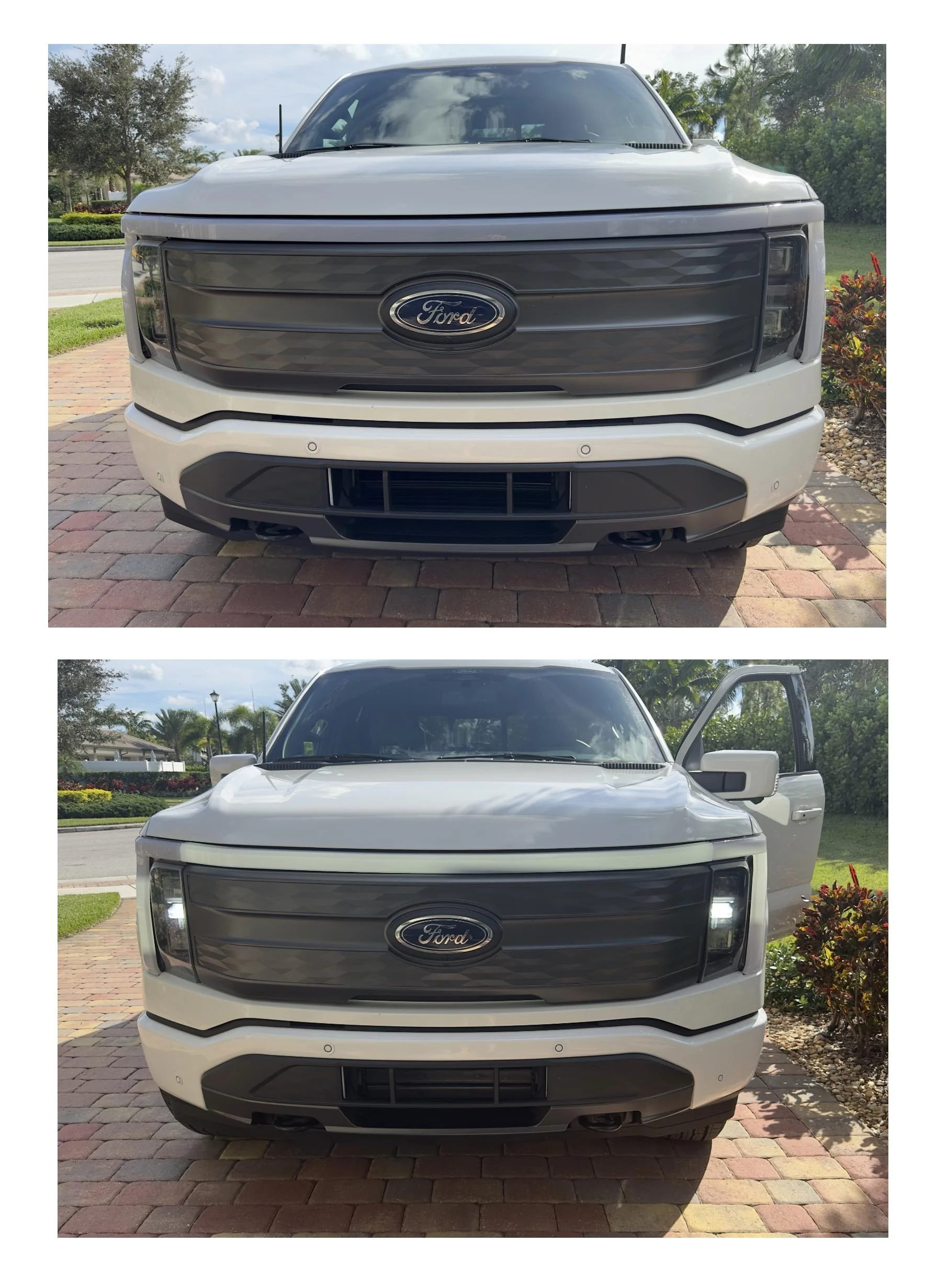
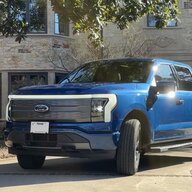
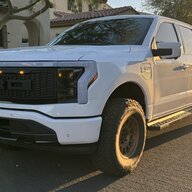
Has anyone been able to snag a daytime picture of this? I'm trying to decide if it's worth it to go down the rabbit hole when the lightbar brightness is the only thing I care to modify?
Sponsored
Has anyone been able to snag a daytime picture of this? I'm trying to decide if it's worth it to go down the rabbit hole when the lightbar brightness is the only thing I care to modify?
Yes I agree, exactly my point here too.I also noticed very little change in the light bar after making these changes. I like the concept of the special lighting Ford put in here, but I think poorly executed. Not near the eye catching even as most of their other truck during the day.
Yeah, I reverted mine back cause the change wasn't drastic enough. I was also worried about premature burnout of the LEDs and them not honoring warranty as a result.I also noticed very little change in the light bar after making these changes. I like the concept of the special lighting Ford put in here, but I think poorly executed. Not near the eye catching even as most of their other truck during the day.
Hello everyone, quick question.DRL/Lightbar Brightness Adjustment (From @jredondox)
BCM 726-42-01 x2x2 xxxx xxxx
BCM (this setting adjusts brightness) 726-38-01 xxxx 64xx xxxx
64 =100%
5A = 90%
4B =75%
32 = 50%
19 = 25%
0A =10%
Did you figure this out? I'm having the exact same problem trying to get the glare free configured.I'm having an issue with HCM changes for the glare free lights. All the other modules were able to be changed with no issues. I changed the lightbar, the seatbelt chime, the global windows, and all of the other modules for glare free, just not the HCM changes. "Service procedure has been interrupted" in the log every time I try.
I have an extended range lariat. Not sure of the build date. OBDLink EX cable. Using v2.3.49. Should I contact forscan or is there another possible fix I can try first?
Unfortunately,I have not. Been meaning to email them about it but haven't yet. I'll update if I do, but it will probably be next week before I have some time to play with it again.Did you figure this out? I'm having the exact same problem trying to get the glare free configured.
Great tip - I think I’ll actually download the manual and do that, too, for same reasonThere's an owner's manual procedure that anyone can use to disable any one of the seatbelt location chimes. I have turned off the driver's seatbelt warning because we're on a farm and have a one-mile long driveway, often get in and out to pick up fallen limbs, etc.
Hex 64 equals 100 decimal. 6*16 + 4 = 100. I don't have a forscan unit, but I guess you could try going higher and see what happens. Just make sure you don't change bits you don't mean to while doing it.Is it some kind of hex coding where you know for certain xx = 100%?
I took out my physical beeper today. I used this video as a reference. Took about 20 minutes - would have been faster, but a couple of my trim clips were installed wrong or broken from the factory, apparently, which made things a bit more "interesting."I would love a way to disable the incredibly loud beeps when the frunk opens/closes. The frunk has so much potential, but I’m reluctant to use it in certain scenarios because of how loud it can be!
Just got an email back from support, they said the public version of 2.3.49 will work now. Haven’t had time to test it yetWhat is the latest version of Forscan you all are using with the Lightning? I was given this link back in August and used it, but the link no longer works. Is there a later Lightning version? https://forscan.org/download/FORScanSetup2.3.49.test20220814.exe


