Runaway Tractor
Well-known member
I would actually prefer it dimly light the signs. I hate the bright reflection of large retroreflective road signs.
Sponsored
BTW - welcome to the forum. Quite a few DFW members here on the forum. We had a get together last year and several met up at the EV event in Arlington last month. Look for us around.Hi everyone. First time poster and long time lurker. Thank you for all of the information and tips. I've lurked on this forum and reddit for close to 2 years and bought my 2023 Lariat 511a sight unseen without test driving based on feedback and you all were right. I came from a heavily modded cts v (built motor, heads, cam) as a daily driver to this and it has been a welcomed change.
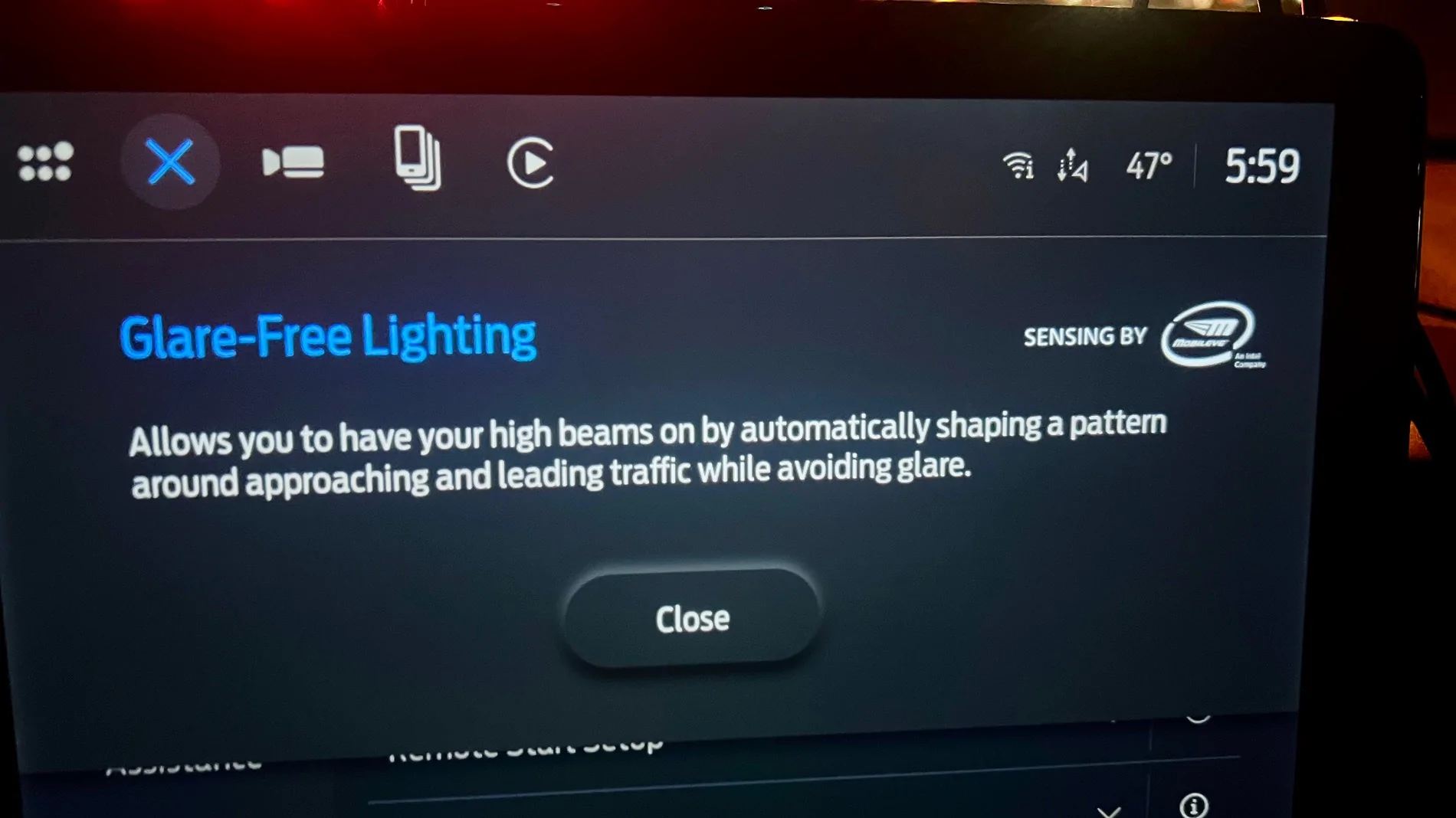
Last night I enabled glare free headlights through Forscan. I was wondering what the use case is for this feature. Is this better suited for folks out in rural areas with dimly lit roads? I'm wondering if city drivers like myself benefit more from auto high beams vs glare free. I have to admit I am not really noticing any difference. In fact, it's less useful (so far) than the auto high beams were in my neighborhood. Those would kick on and illuminate the whole street if it was empty. Now that feature doesn't happen. I also noticed that the high beam blue icon would come on for auto high beam. With glare free, I have the green "A" in the dash and the feature enabled in vehicle settings, but I have not been able to tell a difference so far.
Nice to be here and look forward to learning more.
Thank you! I'll dm you my contact info. Would love to attend the next GTG.BTW - welcome to the forum. Quite a few DFW members here on the forum. We had a get together last year and several met up at the EV event in Arlington last month. Look for us around.
Interesting that yours didnt' work until sync reset. Did you have the glare free toggle and green icon in your dash before you reset sync? Or did that only show up after you reset your sync?Just enabled this using FORScan and thought it wasn’t working - but then remembered a Sync reset is needed - works like a dream!
Surprised to see “Sensing by MobilEye an Intel Company” We have MobilEye on our work trucks, too.

I had the toggle and the green icon for almost a year with a checksum error in the headlight module that kept it from working correctly. I went back through all of the settings and found one error and now it works perfectly.Interesting that yours didnt' work until sync reset. Did you have the glare free toggle and green icon in your dash before you reset sync? Or did that only show up after you reset your sync?
I haven't reset my sync, but I had the toggle come on in my vehicle settings and icon show up in dash. I may try resetting sync. I've been paying extra close attention to my headlights when going above 34+mph on dimly lit roads and am really not noticing anything...
I may also go back through Forscan and triple check everything. I would think if the toggle in vehicle settings and icon in dash is showing that it was done correctly, but maybe I'm wrong.
I didn’t see the toggle, so I double-checked all the entries I made in FORScan, then tried the Synch reset and then finally saw the toggle.Interesting that yours didnt' work until sync reset. Did you have the glare free toggle and green icon in your dash before you reset sync? Or did that only show up after you reset your sync?
…
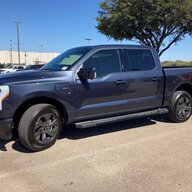
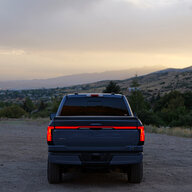
I believe it works on all F150 Lightnings.Does glare free work on 2023 Lightnings? I know on the ICE trucks, it only works on 2021-2022 model years after a certain IPMA update.
You can reboot the APIM module in Forscan, i did it proactively, don't know if it made a difference or not. The only issue I encountered was turning off glare free to see the difference, it kinda bugged out, turning off, then the toggle turned back 'on' but it wasn't really on. Didn't do anything for several days and it seems to turn on and off normally now.Thanks. I'm in the process of doing this and hope to finish tomorrow. I'm also writing up a procedure in the forscan thread.
Where and/or how do you do a sync screen reset?
Also is there a switch to turn it on and off and if so where is it at on the sync screen?
I see the APIM module is the sync screen and the IPC module is the dash screen. What are the IPMA, SCCM, and HCM modules stand for? Thanks.
Sync reset. (same as doing APIM reboot in FORScan I’ve read).Thanks. I'm in the process of doing this and hope to finish tomorrow. I'm also writing up a procedure in the forscan thread.
Where and/or how do you do a sync screen reset?
Also is there a switch to turn it on and off and if so where is it at on the sync screen?
I see the APIM module is the sync screen and the IPC module is the dash screen. What are the IPMA, SCCM, and HCM modules stand for? Thanks.
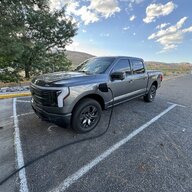
Gonna have to disagree with you on part of this. I live in rural Michigan but am working in LA so many streetlights etc. and glare free works fantastic! It does in no way lock to low beams. I see the matrix LEDs doing their thing all the time. To the OP I don’t see where there is any use case where you wouldn’t want glare free enabled. Just having it on all the time and allowing the computer to decide where to put the light is the best way to go.Rural use is fabulous. The truck has really good bright lights with a really great beam spread. The glare free mode lets all that awesome light stay on lighting up the surrounding without blinding the vehicle ahead of me.
Yes in a city environment with street lights and building lights, it is basically useless since it locks to low beam. You can override it to manual if you want in that circumstance though.
I need to look through the modules and check numbers again. I have not noticed anything so far. Also need to reset the APIM module.Gonna have to disagree with you on part of this. I live in rural Michigan but am working in LA so many streetlights etc. and glare free works fantastic! It does in no way lock to low beams. I see the matrix LEDs doing their thing all the time. To the OP I don’t see where there is any use case where you wouldn’t want glare free enabled. Just having it on all the time and allowing the computer to decide where to put the light is the best way to go.
Yeah it’s very noticeable to me anyway but I’m a nerd and look at stuff like that. If your little highbeam telltail on the cluster is green then glare free should be working. If it’s white then you just have normal auto high beams.I need to look through the modules and check numbers again. I have not noticed anything so far. Also need to reset the APIM module.